 Login
Login
Zanskar thinks 1 TW of geothermal power is being overlooked
21 January 2026 at 08:00
Zanskar has raised $115 million to find about a dozen geothermal resources that could help power the grid throughout the U.S. West.

I stumbled on PTM7950 listing on AliExpress and thought to try it out. My Laptops and PC were working fine in my opinion until I checked out that I had the following Temps :
Relevant PC Specs :
CPU – AMD Ryzen 9 3900X 12-Core Processor [CPU Max : 83 ]
GPU – AMD Radeon RX 5700 XT [GPU Max : 89 / Hot Spot 100]
Laptop Specs [Asus M16]:
CPU – 11th Gen Intel Core i9-11900H [CPU Max : 100]
GPU – NVIDIA GeForce RTX 3060 Laptop GPU [GPU Max : 75 / Hotspot 80]
The above mentioned temps on PC GPU and Laptop CPU made it clear to me that I need to apply PTM7950 and I while the process of repasting of PTM on GPU for PC was very uneventful.
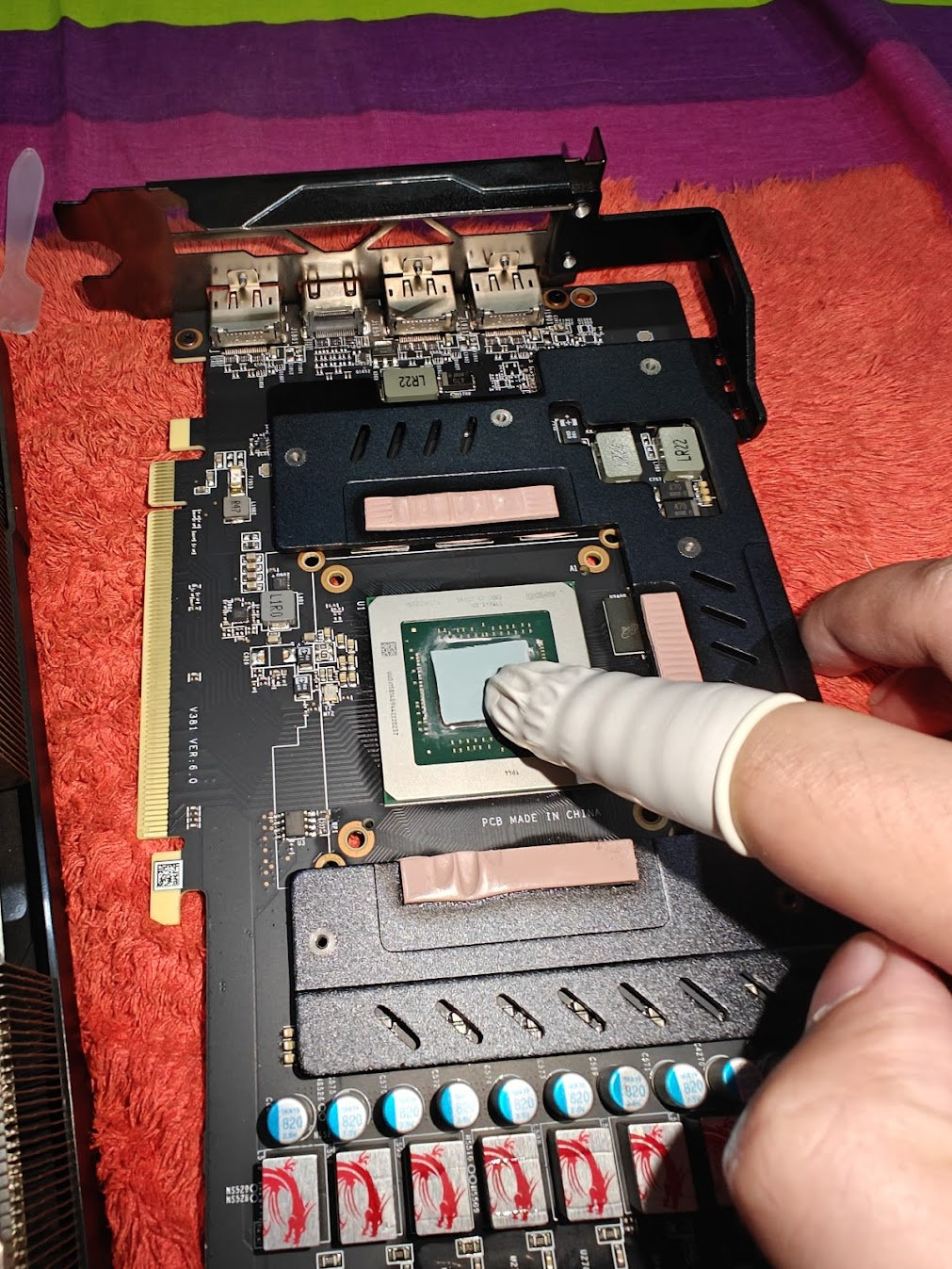
Things were bit different for the Asus Zephyrus M16. I could always respread the LM , but didn’t because the way it was spread all over the place and as I already opened the machine up , thought to apply PTM on both CPU and GPU.
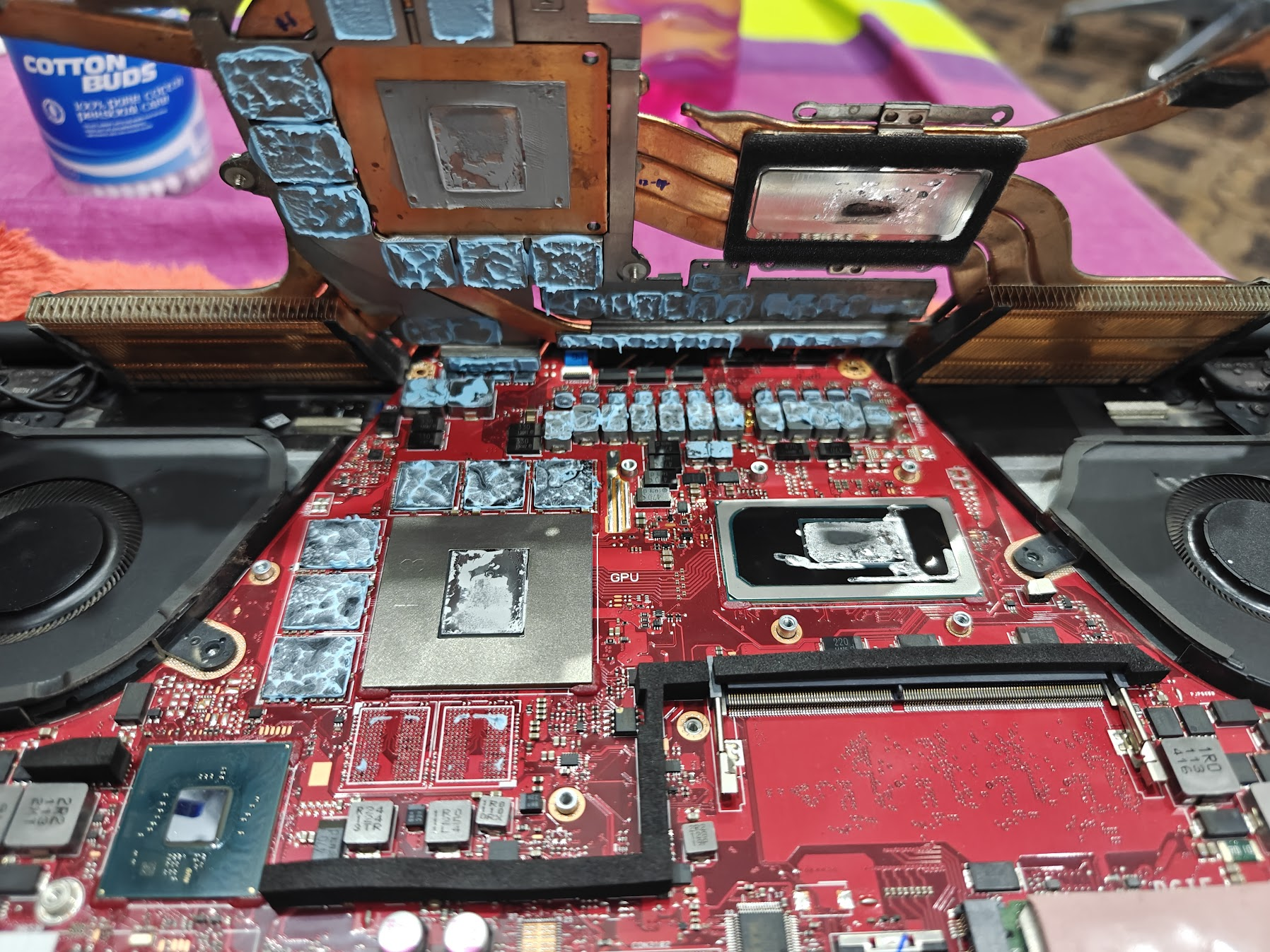
While opening was relatively straight forward, I did get a surprise of Liquid Metal on the CPU , cleaning the LM was cumbersome, cleaned it up carefully and to the best of my ability.
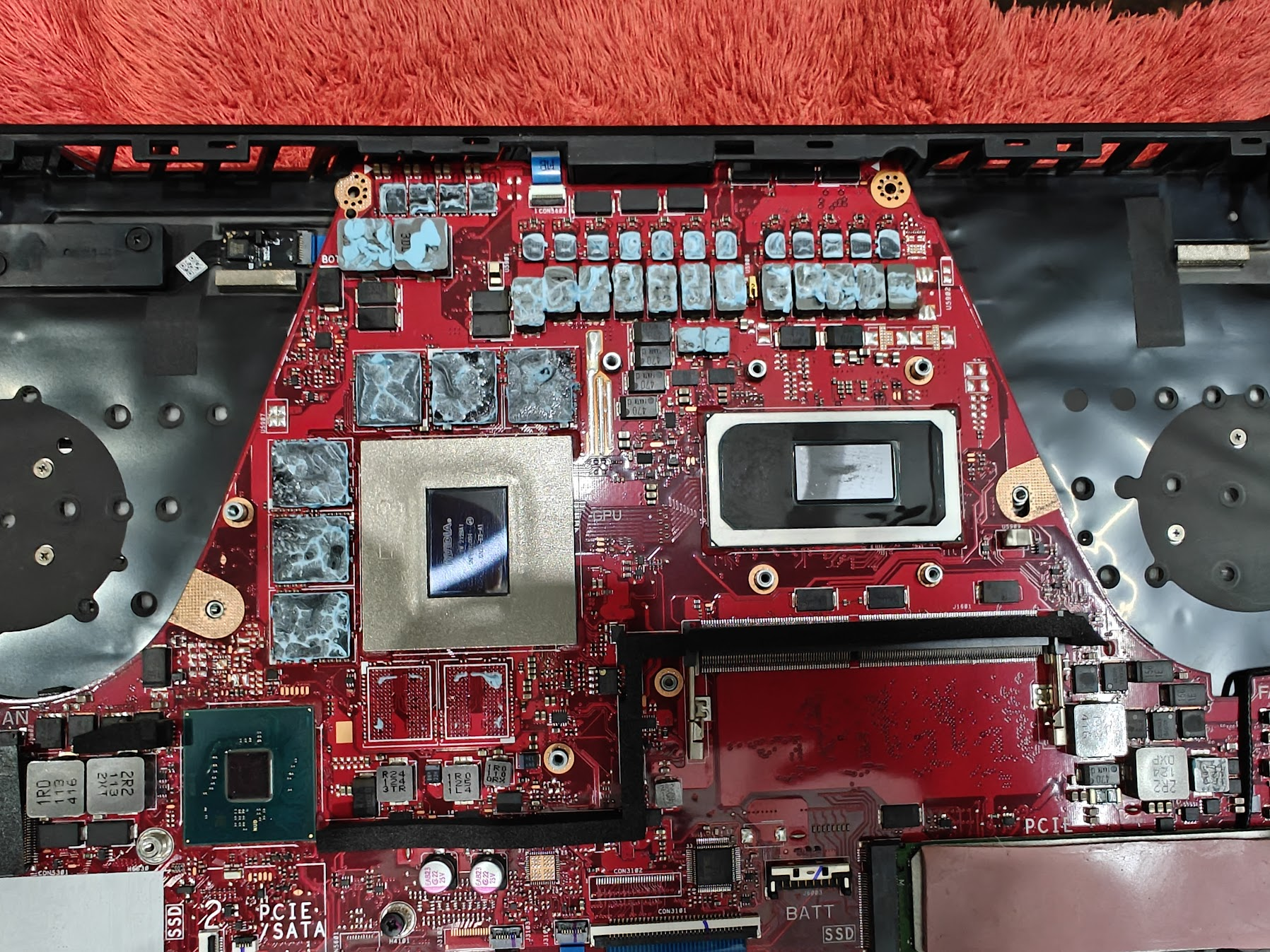
After closing up the laptop and turning the power button I was presented with :
I started googling and searching and the unanimous reddit verdict on such a condition was “LM is conductive and you didn’t do a good job and it has fried the circuits” a.k.a Motherboard dead.
Going to page 2 and 3 of google (indicates how desperate I was) revealed more ways to find out the problem, none worked, but it included:
While I gave up thinking the motherboard is fried, One YouTube video mentioned that the Error code of “battery light blinking twice and then repeating after gap” means a corrupt bios and you will need to remove the bios chip and put it in a programmer to get it sorted (video did not show where is the bios chip)
The above mentioned video made me think maybe it’s not a dead motherboard. While the method which I tried (and worked for me) was mentioned in different asus related queries but not with something where fans wouldn’t work and the keyboard would be red lit.
You can follow the steps mentioned below to get your laptop back to working if you are facing similar symptoms:-
Congrats if you got your machine to work.
Just thought to share it ,as it was really frustrating thinking that I burned the motherboard, even while being so careful with the removal of LM as that is mostly the defaulter … If you got some queries you can get in touch over X @Hackology.
While I reduced PC GPU temps by 20 degrees, the impact on laptop wasn’t profound , although I am glad it’s still running and might wait a few days before reapplying as reseating the conductors over and again might ruin the PTM.
The post How I Fried and Fixed Zephyrus M16 while applying PTM7950 on CPU and GPU first appeared on Internet Security Blog - Hackology.
