❌

Reading view

There are new articles available, click to refresh the page.

I finally ditched Windows search for these 3 free tools, and I’m not going back

By: Rich Hein

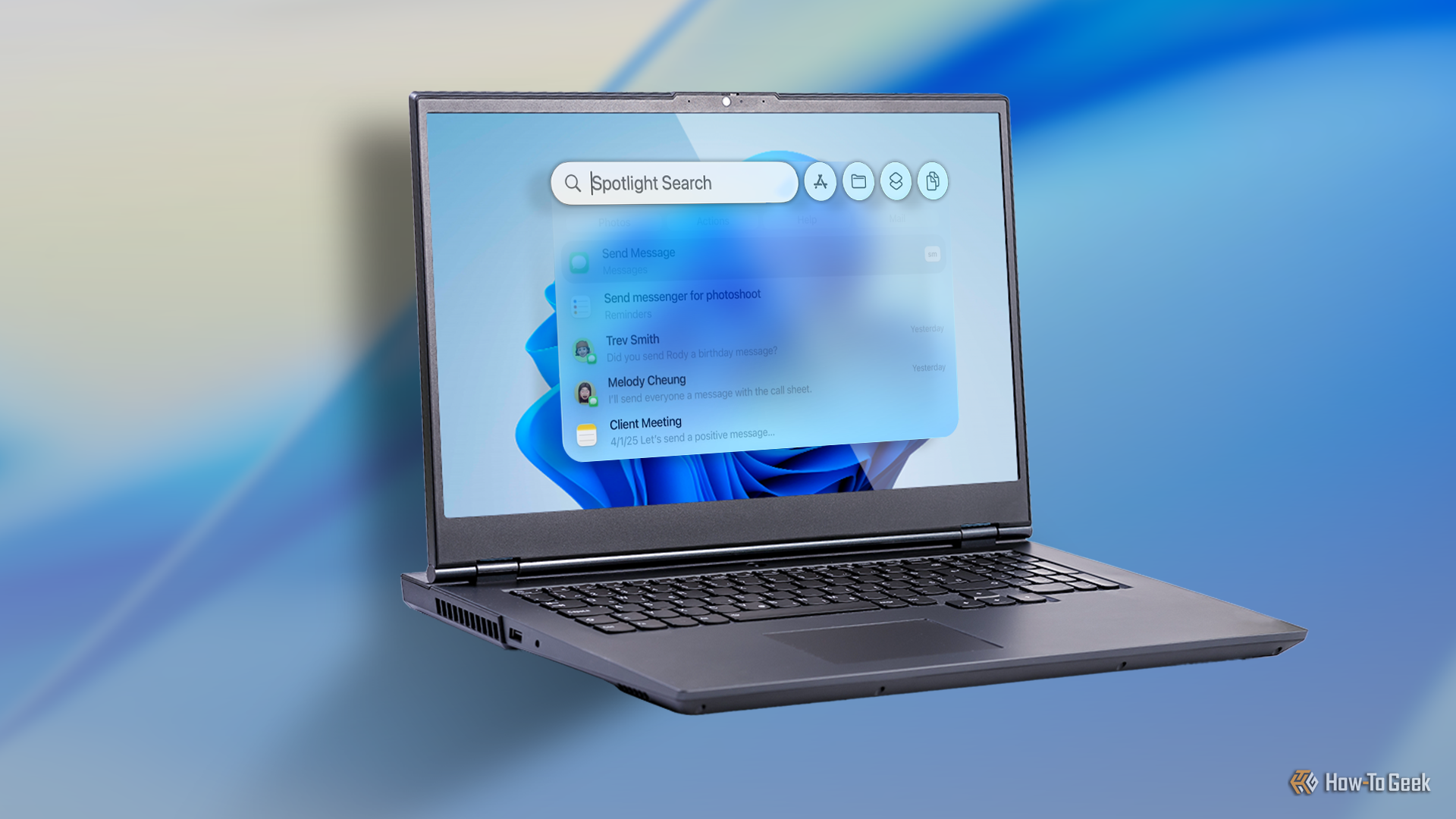
Windows' built-in search has never really clicked for me. It’s often slower than I expect, mixes in results I didn’t ask for, and somehow still struggles to surface the exact file or app I’m thinking about. Over the years, I’ve tried to make peace with it, tweaking settings and changing habits, but I always end up feeling like I’m working around search instead of letting it work for me.
3 ways free apps cost you without charging a dime

By: Rich Hein

I use free apps every day, and I write about them constantly. In many cases, they’re genuinely great. Some of the most useful software on my phone and computer doesn’t cost me a cent upfront. But that doesn’t mean it’s actually free.

11 Vim tips that will save you hours of editing time

Want to take your Vim game to the next level? From my time using Vim, I've learned many neat tips and tricks that have saved me tons of time and headaches while editing with Vim. I'm sharing some of my top tips in this guide so you can incorporate them into your workflow.

How to use the ROWS function in Microsoft Excel

Many Excel users abandon the ROWS function because it feels like a technicality they can skip. However, to build a truly functional workbook, you need formulas that adapt to your data dimensions, and the ROWS function is ideal for this. Here are four ways I use it to make my Excel spreadsheet smarter.

ROW vs. ROWS in Excel: What's the difference?

Don't let that extra "S" fool youβ€”ROW and ROWS do completely different jobs in Excel. One tells you where you are, while the other tells you how much space you have. If you're tired of formulas breaking when you delete a row, it's time to master the difference between these two tools.

3 free Windows 11 apps for a "keyboard-first" workflow

By: Rich Hein

I spend the better part of most days working on a computer. Writing, editing, managing files, jumping between apps, it all adds up fast. When your day lives inside Windows 11, even small bits of friction start to feel expensive. Every extra click, every manual resize, every time you retype the same thing slows you down more than you realize.

❌