The prices for PC storage drives have been on the rise lately, particularly fast NVMe drives, so people are looking for alternative ways to meet their data storage needs without breaking the bank. One storage upgrade that’s a lot cheaper and more appealing than it seems at first glance is the humble external hard drive.
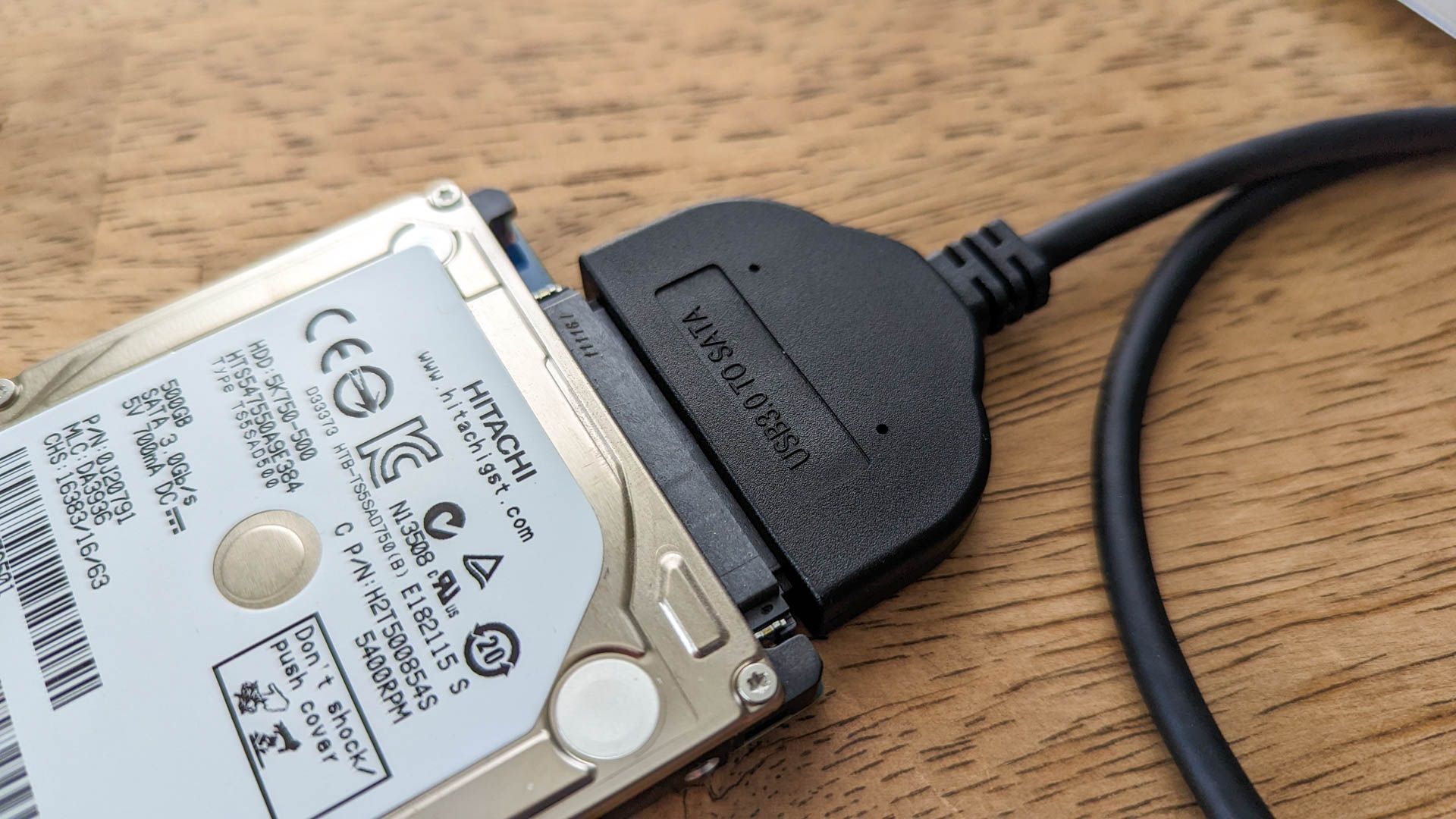
The bar for a NAS can be lower than the ultra-expensive hardware it usually requires. Sometimes, it can be as simple as a hard drive or a DAS plugged into a Wi-Fi router via its USB port.
Cloud storage can get costly, so an alternative for many people is to just grab any important memories and store them in a hard drive to revisit in the future.
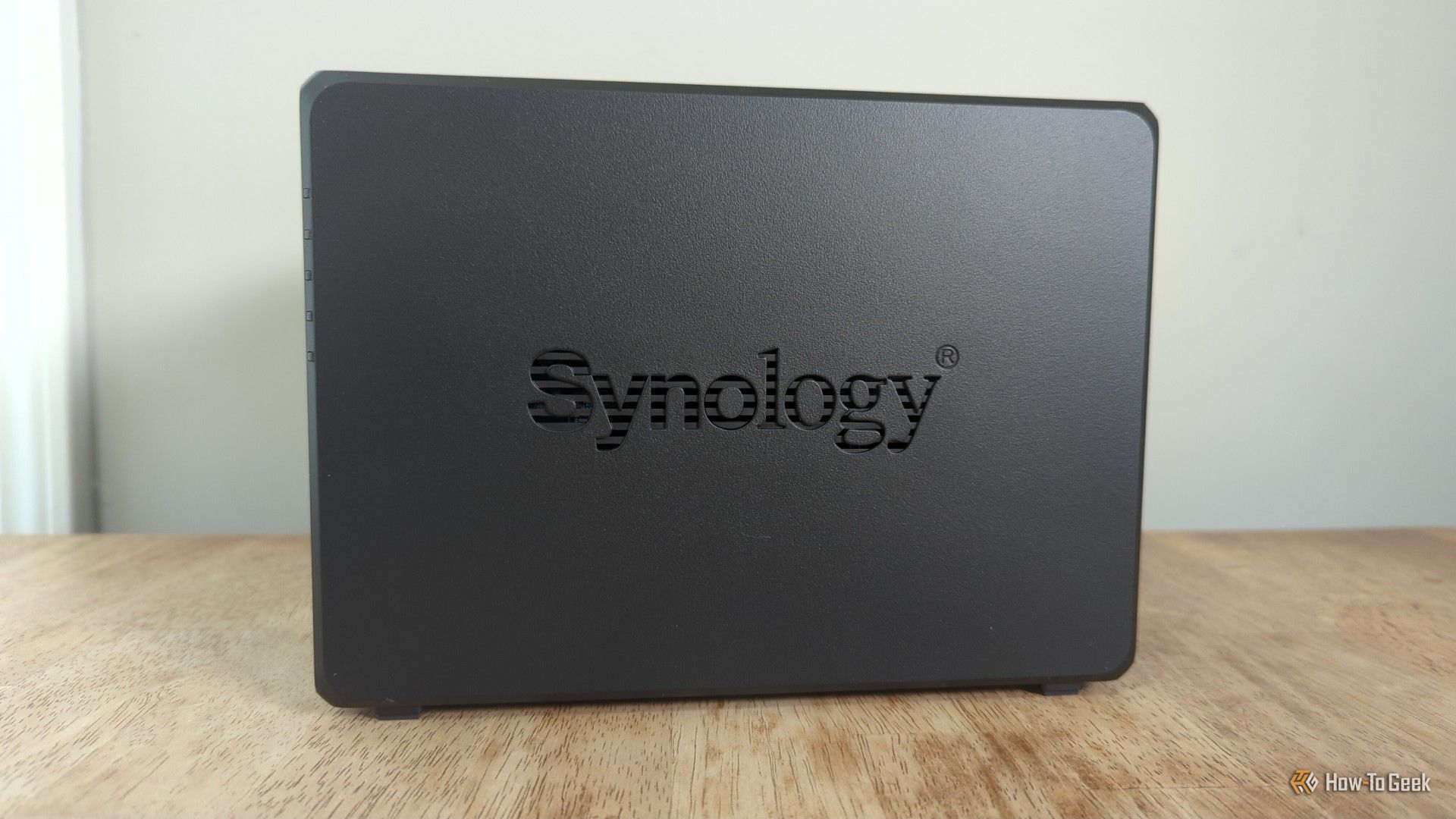
Synology has faced a lot of hate over the past year for various reasons—some of which are very founded. However, a longstanding gripe of the brand’s customers is how expensive its hardware is. Here’s why I think that it’s still worth paying the Synology tax in 2026.
While I have a 60TB server sitting next to my desk, I actually keep my backups in the cloud. I know that might sound counterintuitive, but let me explain why I choose cloud-based backups instead of local-first approaches.
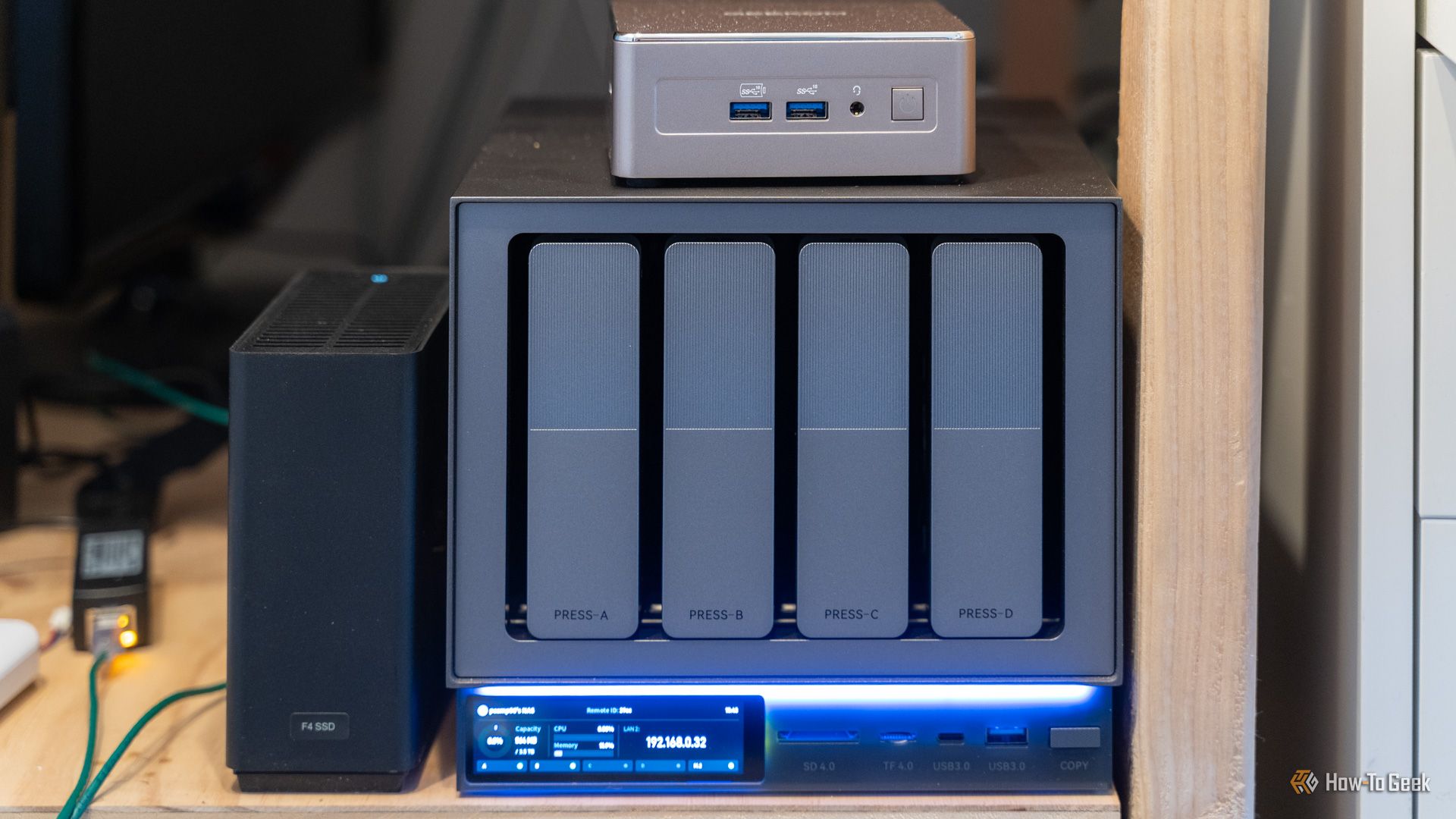
NASes are not for everyone. They can be expensive, and oftentimes, they provide features that, frankly, a lot of people don't need. A NAS is what you get when you want your own cloud storage of sorts, but if you don't need the cloud part, a DAS can be a better option.
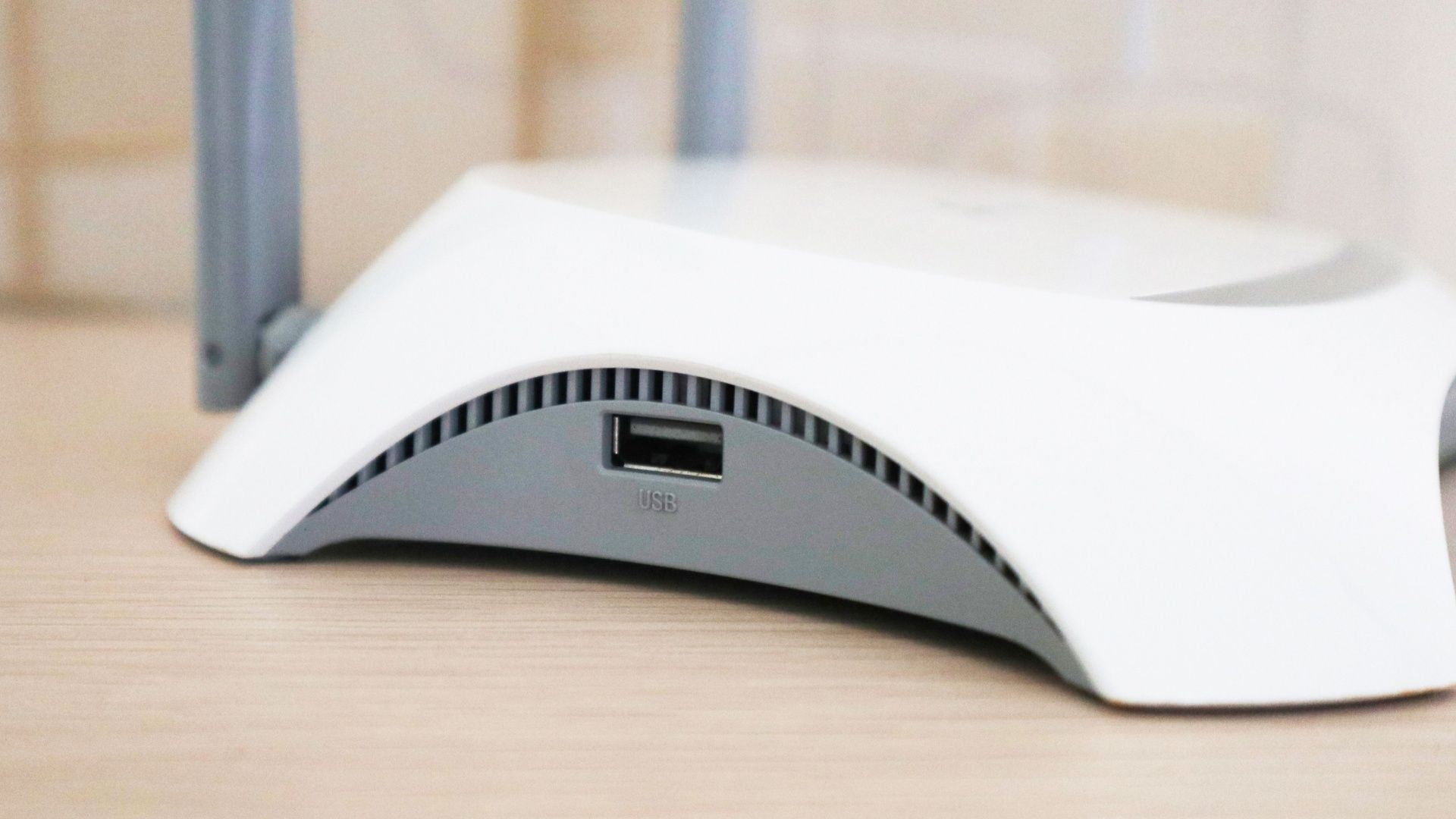
Yes, it's a USB port. Let's get that out of the way right off the bat, as if the big picture of a USB port on a router above wasn't enough to tip you off. In case you've never noticed, or thought to use it, if your router has a USB port on it there's a good chance you can actually use that router as a basic NAS.
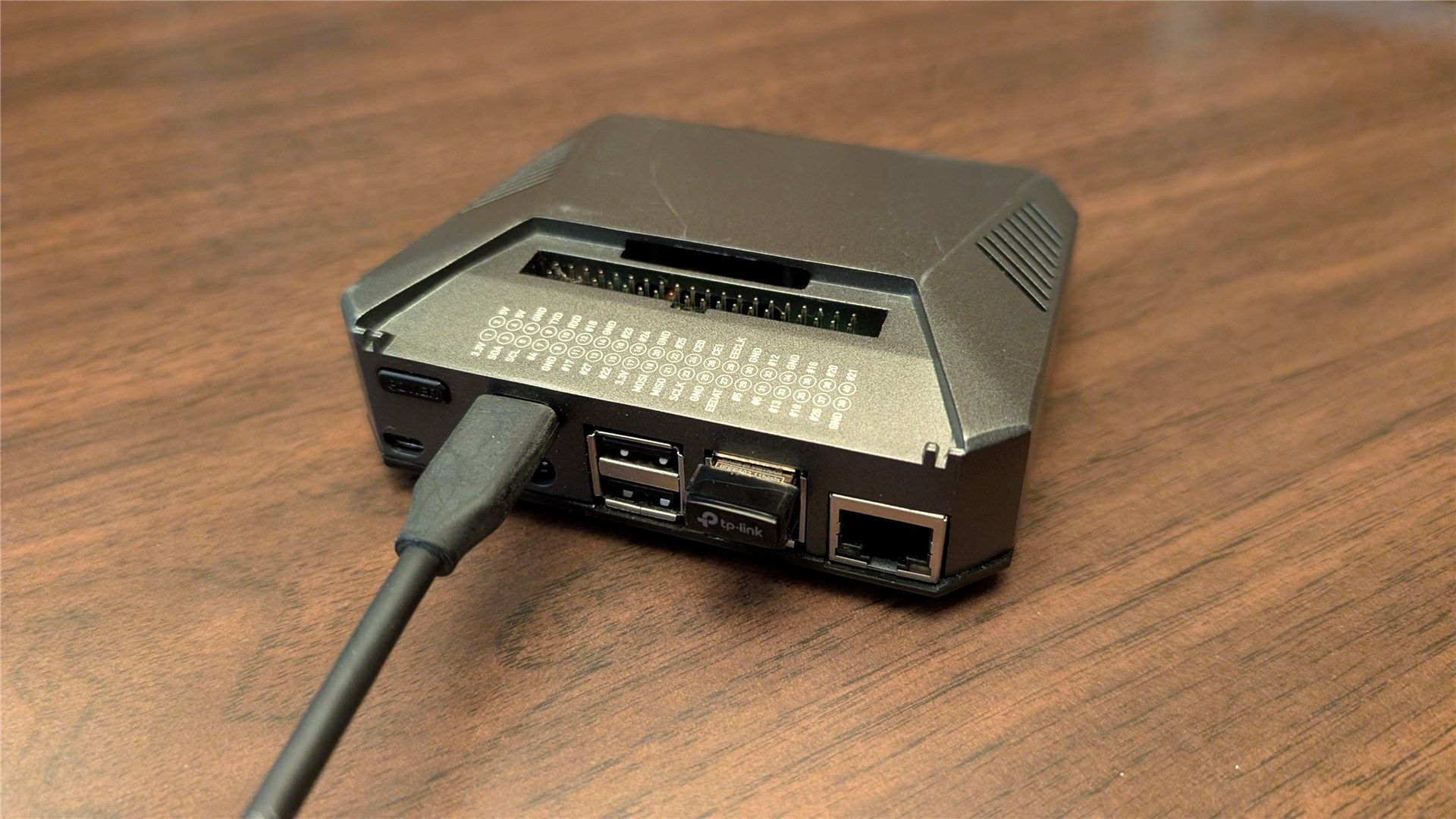
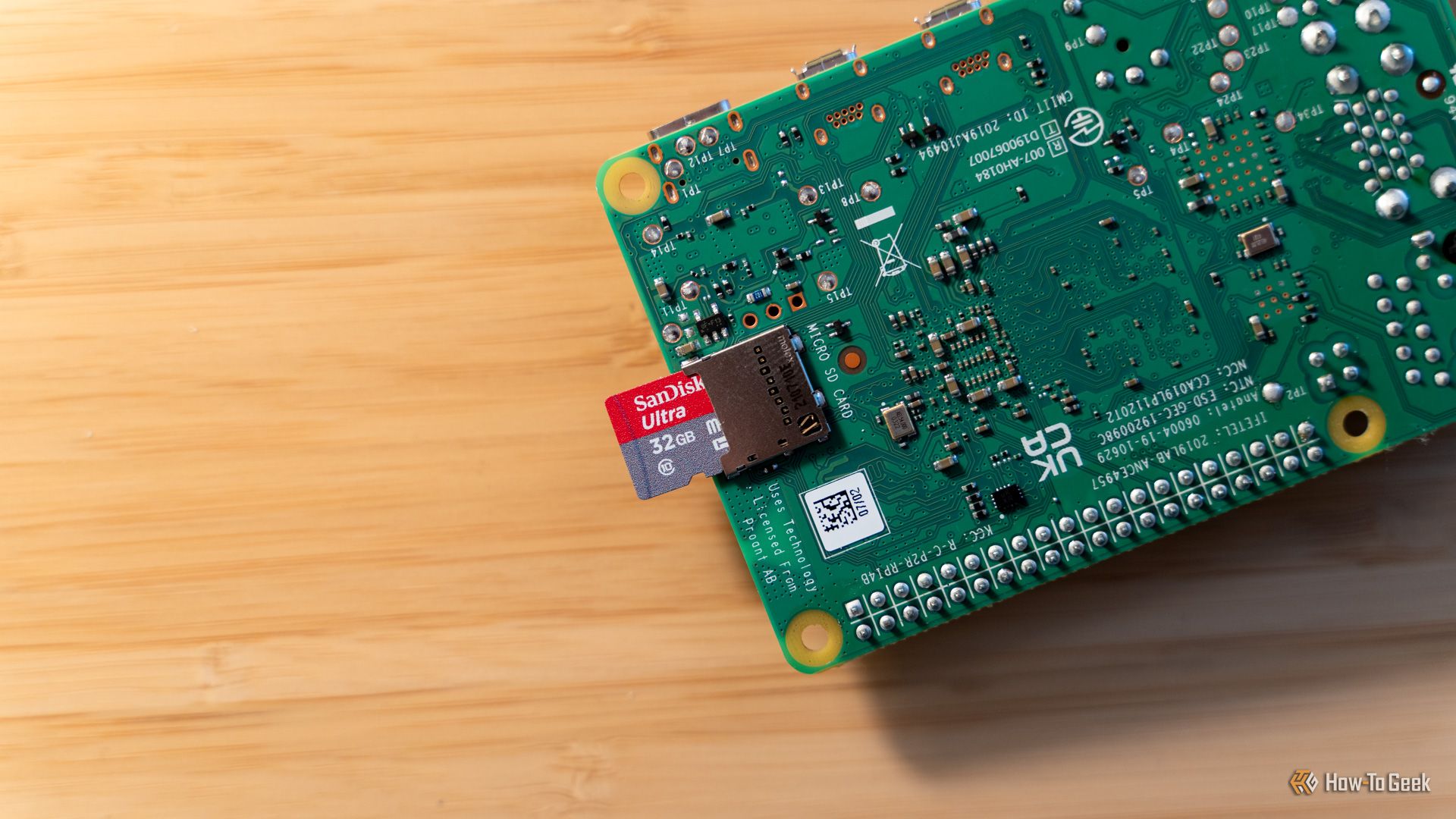
The ability to swap operating systems on a whim is one of the best things about single-board computers like the Raspberry Pi. You can write a new operating system to a memory card whenever you fancy, and keep a small collection of cards handy whenever you want to change.
Google is stepping up its security game for educational institutions by adding automated ransomware detection directly into Google Drive. This gives administrators and users a better defense against data loss and the threat of ransom payments. It also provides a safety net if an attack has already happened.
These days, SSDs are so durable that many people will never have to deal with SSD failure. But there's another side to that coin: when SSDs fail, they often do it quietly, and you may not notice until it's too late and your data's already lost.
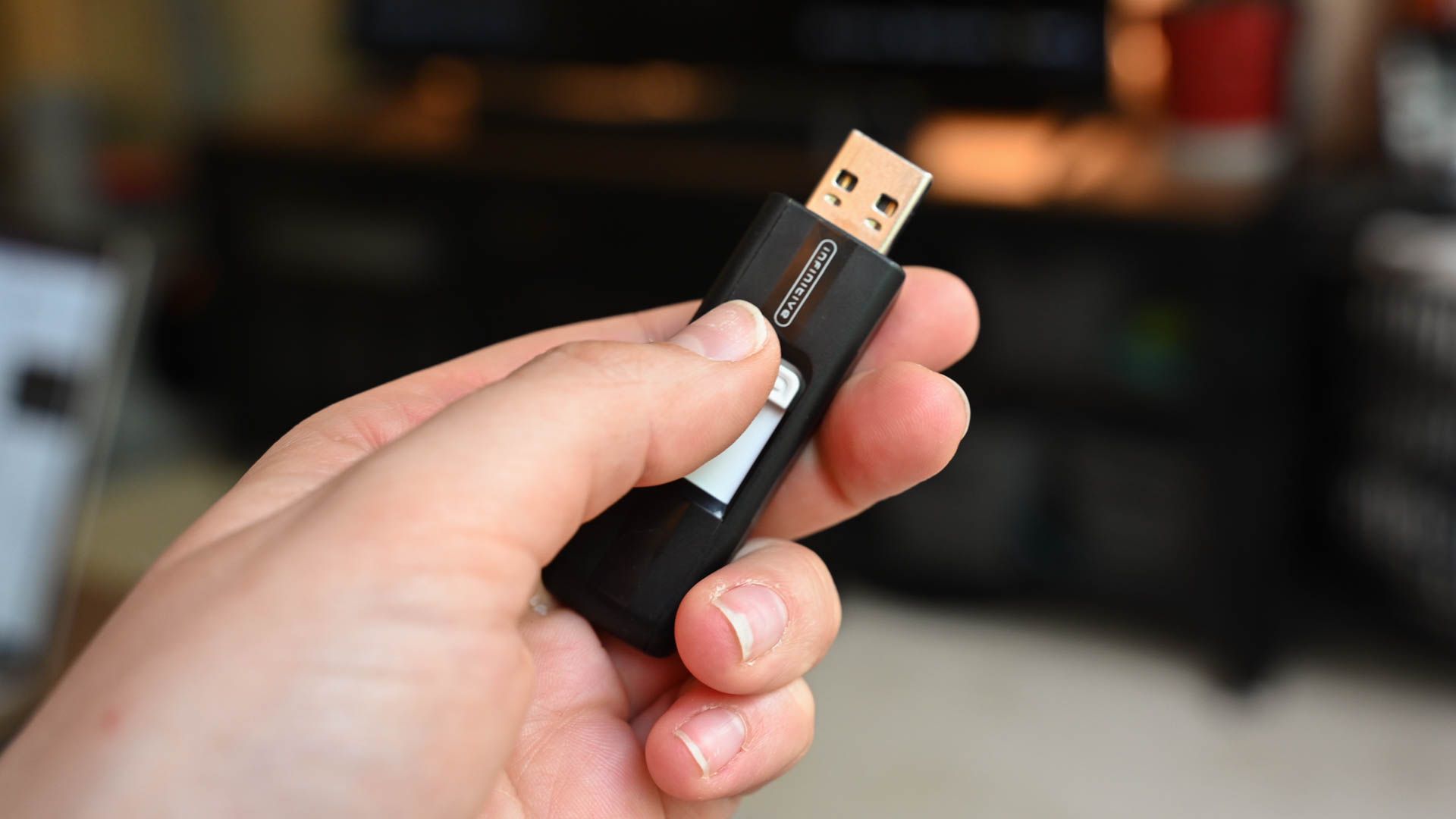
Just 10 years ago, thumb drives were commonplace everywhere. You probably carried one around in your keys, or you had one in your backpack. Things have changed a lot, though.
I had a horrible habit that I've worked really hard to get rid of. I used my "Downloads" storage as a disorganized bin of important and non-important files—and it bit me in the rear when I mistakenly deleted some very important files when I tried flushing the several-gigabyte-sized folder.
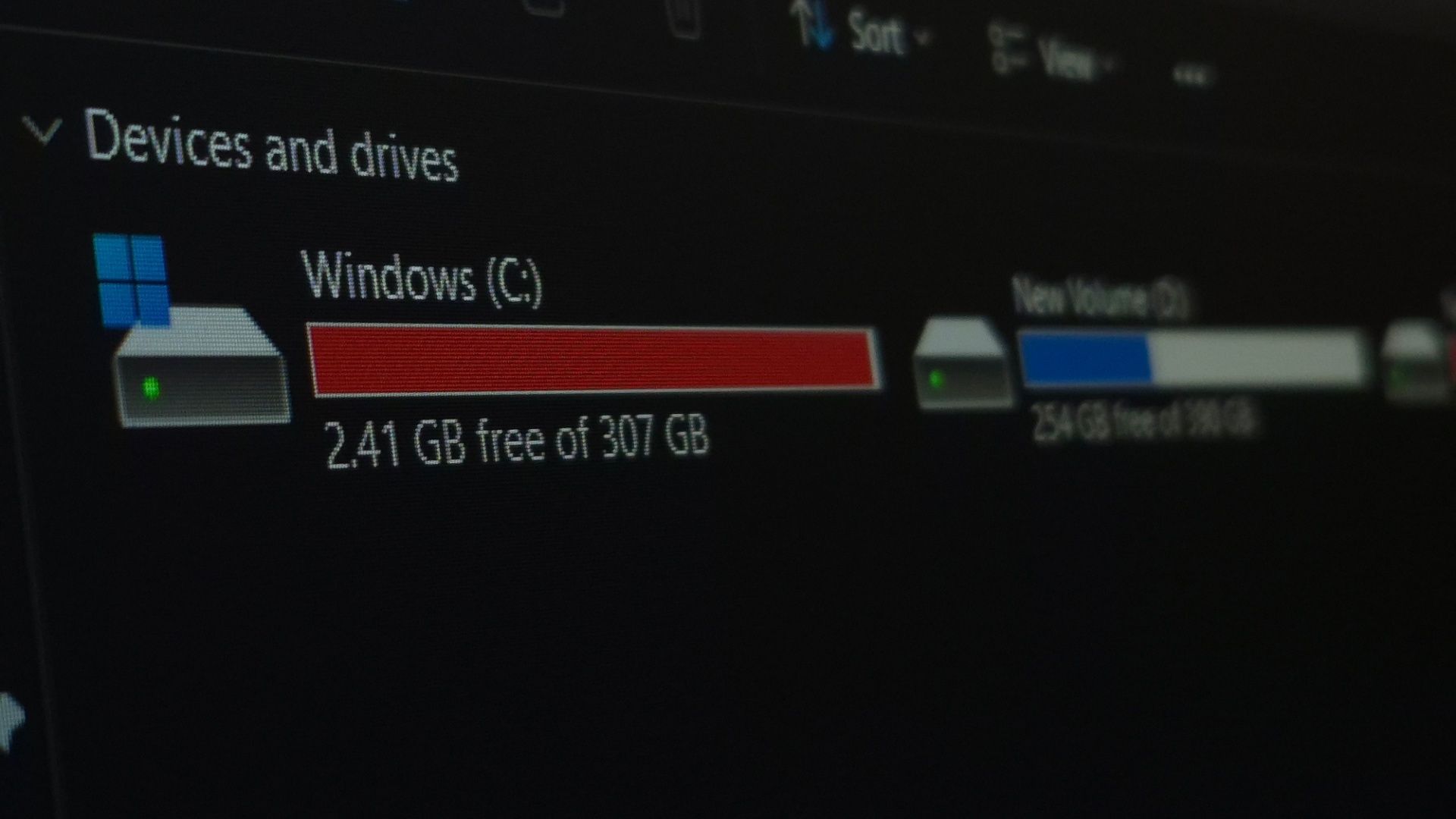
Solid State Drives (SSDs) seem to come with so many rules and caveats. Don't make them too hot, don't write too much to them, and don't fill them up all the way,
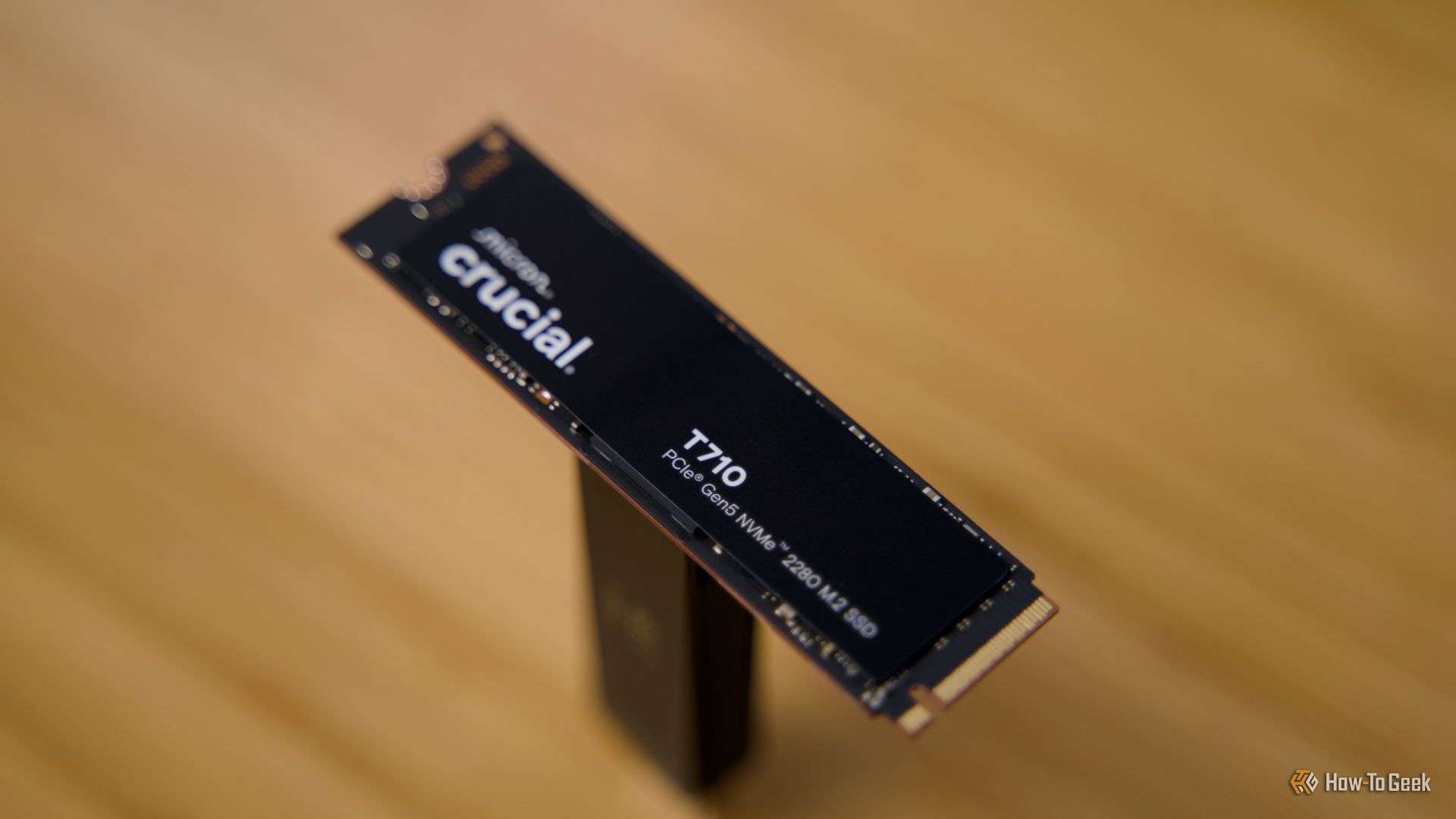
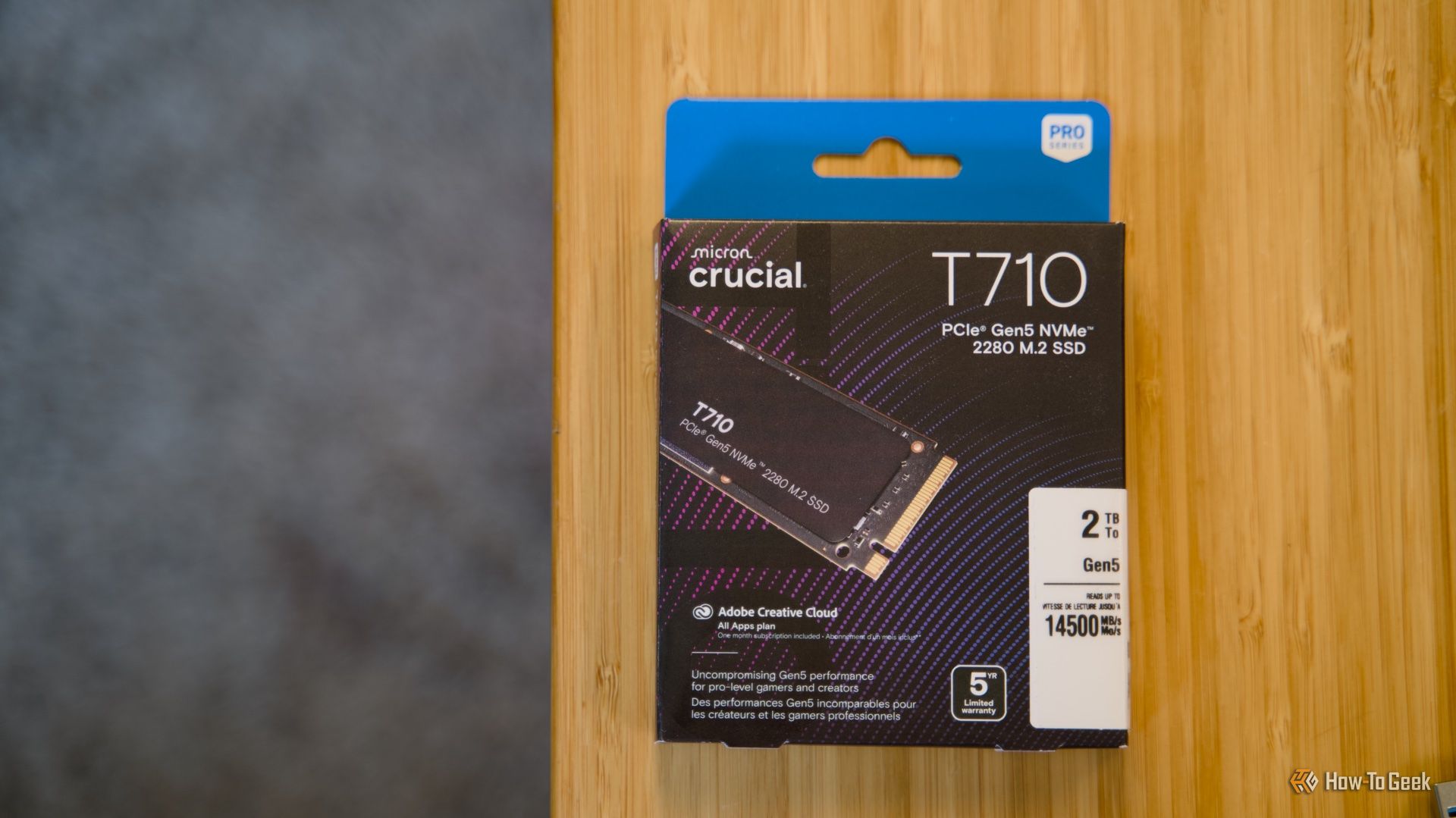
Times are tough for those of us who want to buy a new SSD. You don't have to aim for the fastest drives available—all SSDs are overpriced right now, and chances are that it'll only get worse. That makes it harder to replace or upgrade your existing drive, which is why it's time to get creative. This inexpensive gadget might be able to help if you're not happy with your current SSD, and even if you are, it can help it live longer.
Windows ships with plenty of preinstalled apps. While a few are genuinely helpful, many remain unused. These unused apps still consume storage, clutter the Start menu, and sometimes run in the background, placing unnecessary strain on your system. Here are some apps I’ve barely ever used, if at all.
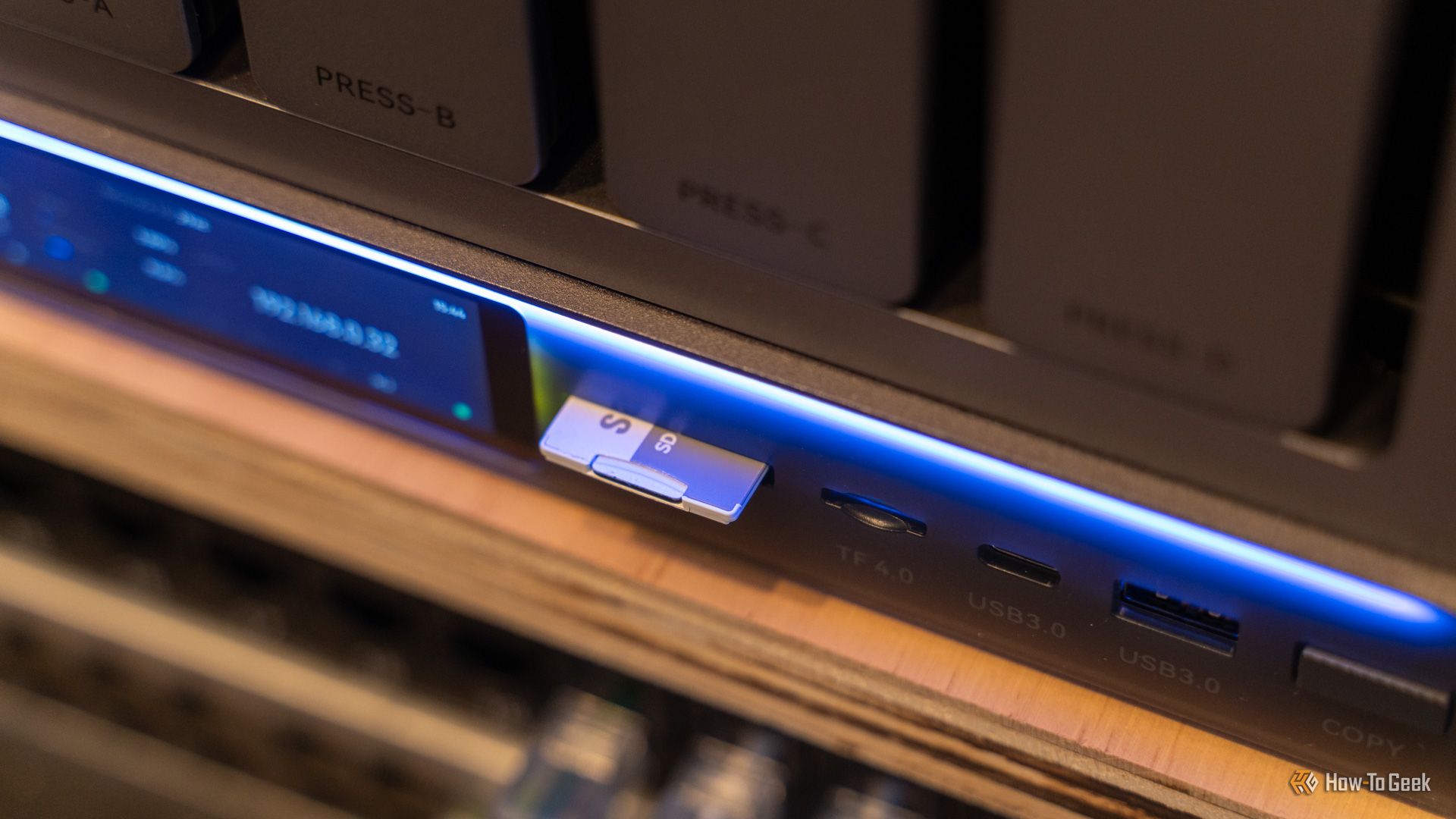
I do a lot of photography and videography, and those files can take up a lot of storage. I used to just store the footage and photos on my laptop’s internal storage, moving it to the NAS only when needed. Now, I just back up the footage to my NAS first and work from there, and that workflow is so much better. Here’s how I automatically back up my SD card to my NAS, and how you can too.
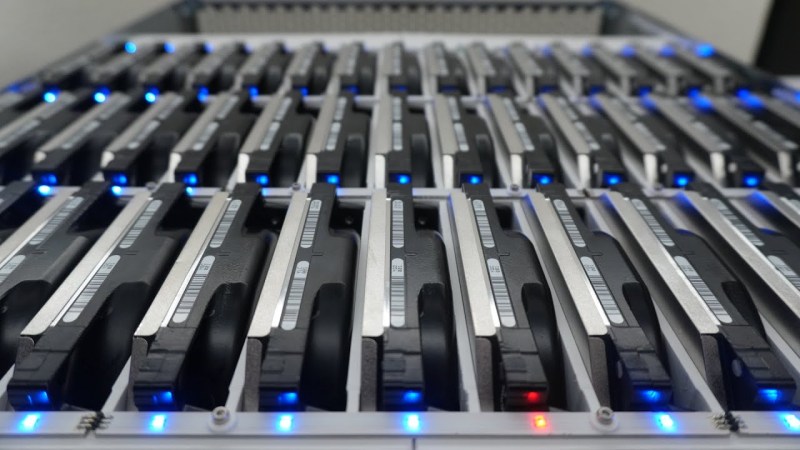
Self-hosting a few services on one’s own hardware is a great way to wrest some control over your online presence while learning a lot about computers, software, and networking. A common entry point is using an old computer or Raspberry Pi to get something like a small NAS, DNS-level adblocker, or home automation service online, but the hobby can quickly snowball to server-grade hardware in huge racks. [Dennis] is well beyond this point, with a rack-mounted NAS already up and running. This build expands his existing NAS to one which can host a petabyte of storage out of consumer-grade components.
The main reason for building this without relying too much on server-grade gear is that servers are generally designed to run in their own purpose-built rooms away from humans, and as a result don’t generally take much consideration for how loud that environment becomes. [Dennis] is building a lot of the components from scratch for this build including the case, the backplanes for the drives, and a backplane tester. With backplanes installed it’s time to hook up all of the data connections thanks to a few SAS expanders which provide all of the SATA connections for the 45 drives.
There are two power supplies here as well, although unlike a server solution these aren’t redundant and each only serves half the drives. This does keep it running quieter, along with a series of Noctua fans that cool the rest of the rack. The build finishes off with an LED strip which provides a quick visual status check for each of the drives in the bay. With that it’s ready for drives and to be connected to the network. It’s a ton of wiring and soldering, and great if you don’t want to use noisy server hardware. And, if you don’t need this much space or power, we’ve seen some NAS builds that are a bit on the smaller side as well.

 Login
Login