
 Login
LoginMessing With JPEGs in a Text Editor is Fun and Glitchy
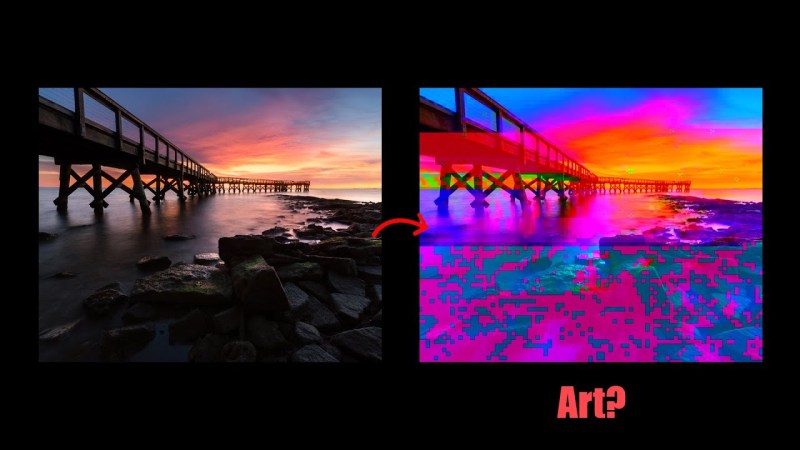
If you’re looking to edit an image, you might open it in Photoshop, GIMP, or even Paint Shop Pro if you’re stuck in 2005. But who needs it — [Patrick Gillespie] explores what can be done when editing a JPEG on a raw, textual level instead.
As the video explains, you generally can’t simply throw a JPEG into Notepad and start making changes all willy nilly. That’s because it’s very easy to wreck key pieces of the image format that are required to render it as an image. Particularly because Notepad likes to sanitize things like line endings which completely mess up the structure of the file. Instead, you’re best off using a binary editor that will only change specific bytes in the image when you tell it to. Do this, and you can glitch out an image in all kinds of fun digital ways… or ruin it completely. Your choice!
If you’d like to tinker around with this practice, [Patrick] has made a tool for just that purpose. Jump over to the website, load the image of your choice, and play with it to your heart’s content.
This practice is often referred to as “datamoshing,” which is a very cool word, or “databending,” which isn’t nearly as good. We’ve explored other file-format hacks before, too, like a single file that can be opened six different ways. Video after the break.
[Thanks to AloofPenny for the tip!]
