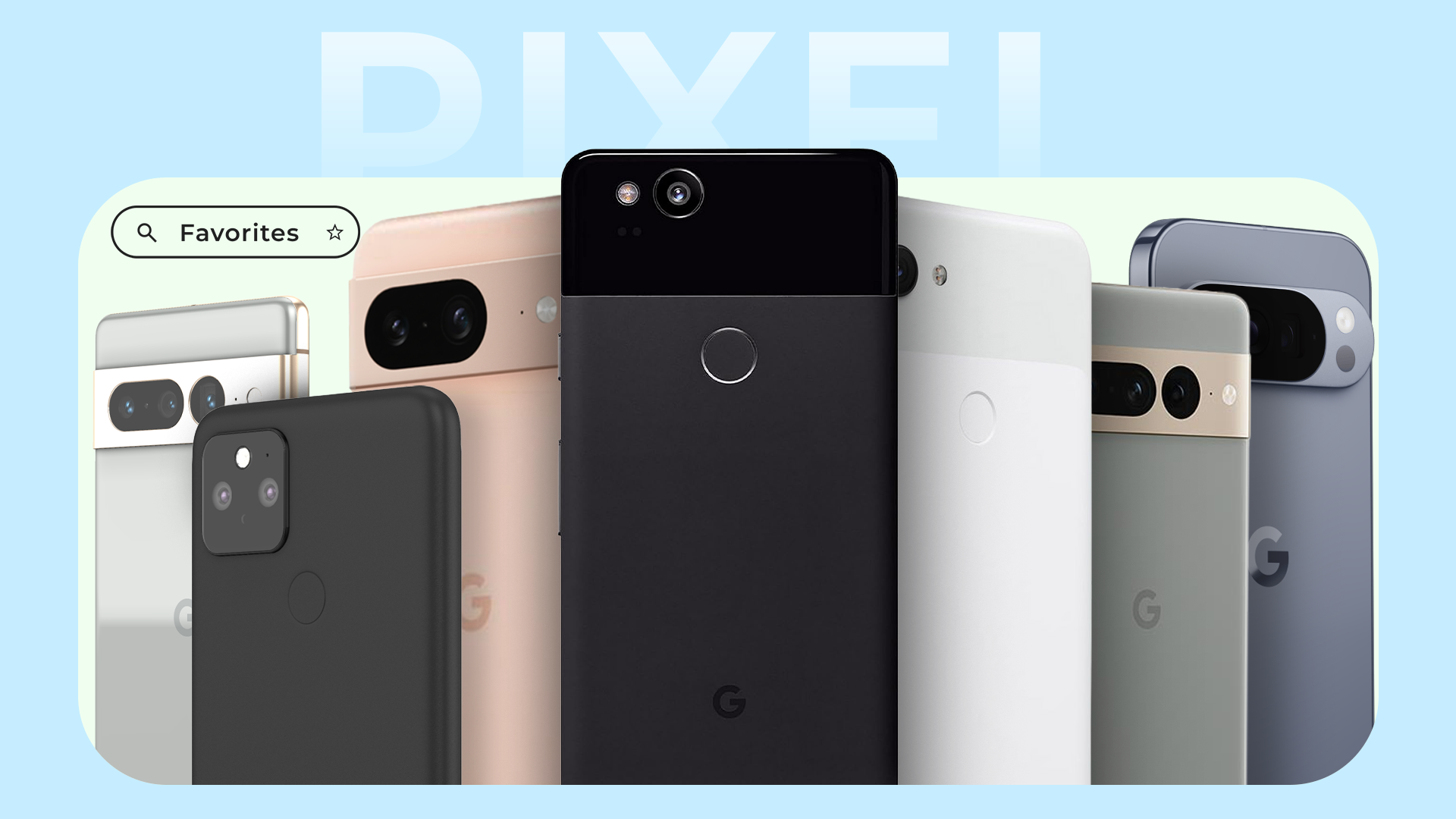
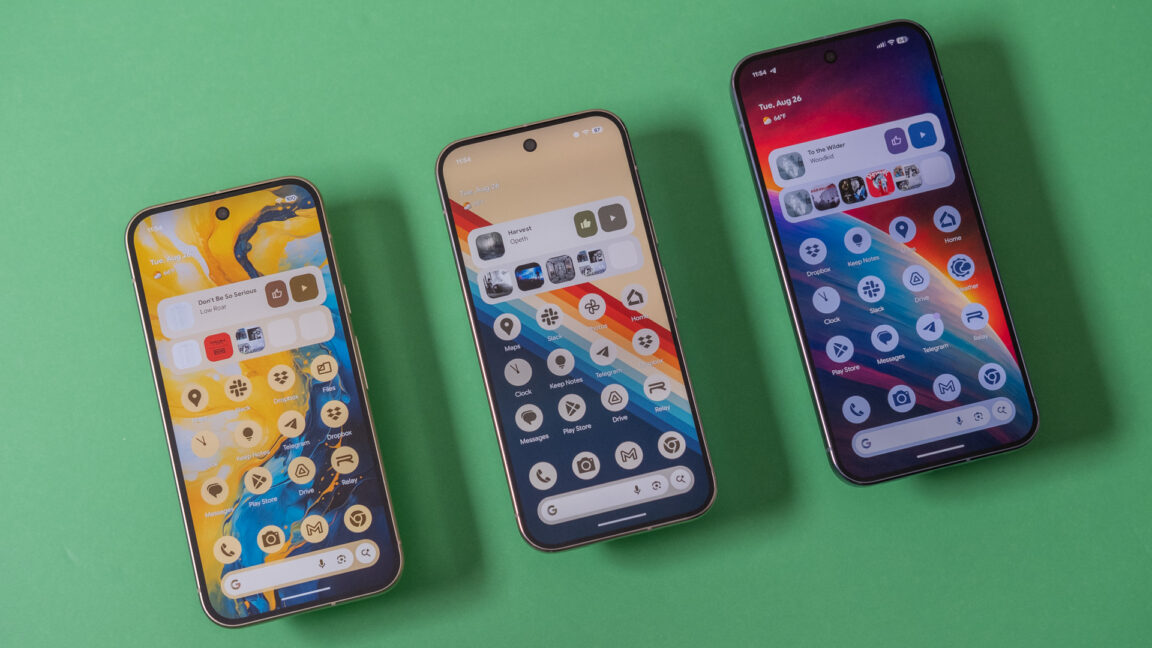
Although I've dabbled with the likes of Motorola and Samsung, a large part of my Android journey has been built around Google hardware, from the early Nexus phones onwards. We've now had 10 generations of Pixel phones, and these are the ones that really stand out for me.
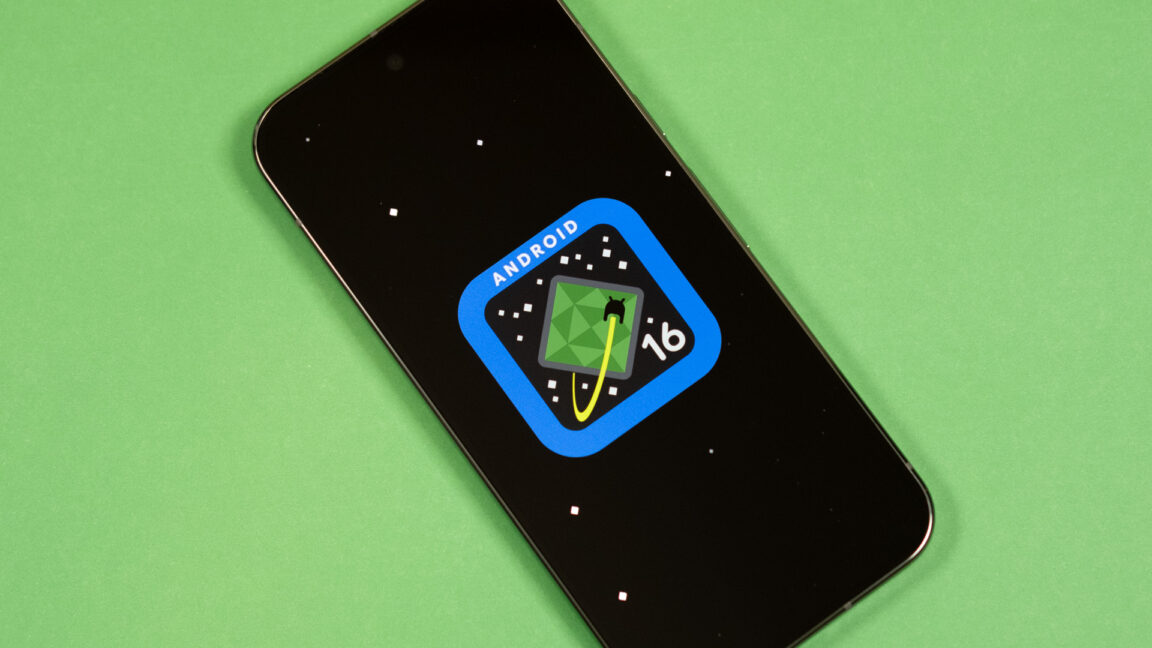
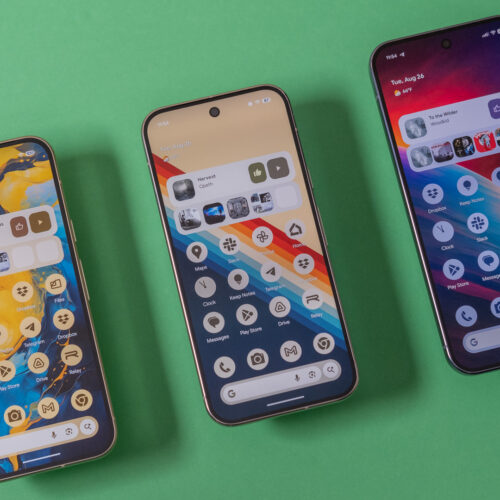
Google is following through on its pledge to split Android versions into more frequent updates. We already had one Android 16 release this year, and now it’s time for the second. The new version is rolling out first on Google’s Pixel phones, featuring more icon customization, easier parental controls, and AI-powered notifications. Don’t be bummed if you aren’t first in line for the new Android 16—Google also has a raft of general improvements coming to the wider Android ecosystem.
Android 16, part 2
Since rolling out the first version of Android in 2008, Google has largely stuck to one major release per year. Android 16 changes things, moving from one monolithic release to two. Today’s OS update is the second part of the Android 16 era, but don’t expect major changes. As expected, the first release in June made more changes. Most of what we’ll see in the second update is geared toward Google’s Pixel phones, plus some less notable changes for developers.
Google’s new AI features for notifications are probably the most important change. Android 16 will use AI for two notification tasks: summarizing and organizing. The OS will take long chat conversations and summarize the notifications with AI. Notification data is processed locally on the device and won’t be uploaded anywhere. In the notification shade, the collapsed notification line will feature a summary of the conversation rather than a snippet of one message. Expanding the notification will display the full text.
Google’s RCS Archival update lets companies log Google Messages on managed Pixel work phones, sharpening compliance while testing privacy and trust at work.
Google’s RCS Archival update lets companies log Google Messages on managed Pixel work phones, sharpening compliance while testing privacy and trust at work.
Google is making Android–iPhone sharing easier by letting Pixel 10 users send and receive files over Apple’s AirDrop, using a secure peer-to-peer link.
Google is making Android–iPhone sharing easier by letting Pixel 10 users send and receive files over Apple’s AirDrop, using a secure peer-to-peer link.
Last year, Apple finally added support for Rich Communications Services (RCS) texting to its platforms, improving consistency, reliability, and security when exchanging green-bubble texts between the competing iPhone and Android ecosystems. Today, Google is announcing another small step forward in interoperability, pointing to a slightly less annoying future for friend groups or households where not everyone owns an iPhone.
Google has updated Android’s Quick Share feature to support Apple’s AirDrop, which allows users of Apple devices to share files directly using a local peer-to-peer Wi-Fi connection. Apple devices with AirDrop enabled and set to “everyone for 10 minutes” mode will show up in the Quick Share device list just like another Android phone would, and Android devices that support this new Quick Share version will also show up in the AirDrop menu.
Google will only support this feature on the Pixel 10 series, at least to start. The company is “looking forward to improving the experience and expanding it to more Android devices,” but it didn’t announce anything about a timeline or any hardware or software requirements. Quick Share also won’t work with AirDrop devices working in the default “contacts only” mode, though Google “[welcomes] the opportunity to work with Apple to enable ‘Contacts Only’ mode in the future.” (Reading between the lines: Google and Apple are not currently working together to enable this, and Google confirmed to The Verge that Apple hadn’t been involved in this at all.)
It looks like AI meets cultural flair — from remixing photos in Messages and summarizing long chats, to new “Wicked: For Good” themes and smarter safety tools.
It looks like AI meets cultural flair — from remixing photos in Messages and summarizing long chats, to new “Wicked: For Good” themes and smarter safety tools.

 Login
Login