
 Login
LoginHow to Set Blank Status on WhatsApp in 2022
The blank status WhatsApp trick is a unique way to show off to your contacts. Normally WhatsApp doesn’t allow you to post empty status but by using this trick, you will be able to show an empty status to everyone you have added on WhatsApp.
In this guide, we will show you exactly how you can set a blank status on your WhatsApp. Just follow the steps mentioned below, and you will be good to go.
How to Set Blank Status on WhatsApp
- Copy the blank space between the brackets [ ]
- Now open WhatsApp
- Tap on the three vertical dots present in the top right corner
- Tap on Settings and then press on your name
- In the About section click on the pencil icon ✎
- Paste the empty copied text
- Now press Save
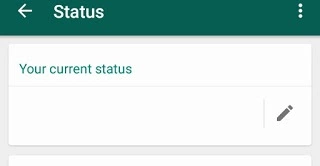
There you have it! You have successfully set a blank status on WhatsApp. Similarly, if you want to make a blank comment on Instagram or Facebook you can read more about it here.
How to Post Blank Status on WhatsApp
- Copy the blank space between the brackets [ ]
- Now open WhatsApp
- Go to Status
- Now click on the pencil icon ✎
- Paste the empty copied text
- Now press send
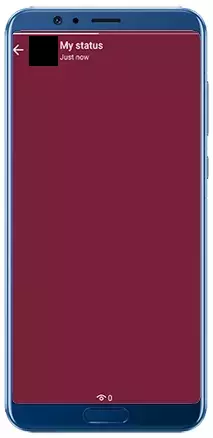
Conclusion
That’s it. Following this guide will post a blank status to everyone with only the background colour.
This is it for this short guide if you don’t understand any steps you can reach out to us by leaving a comment below.
The post How to Set Blank Status on WhatsApp in 2022 first appeared on Internet Security Blog - Hackology.
