❌

Reading view

There are new articles available, click to refresh the page.

I use this 53-year-old trick to get files to my phone

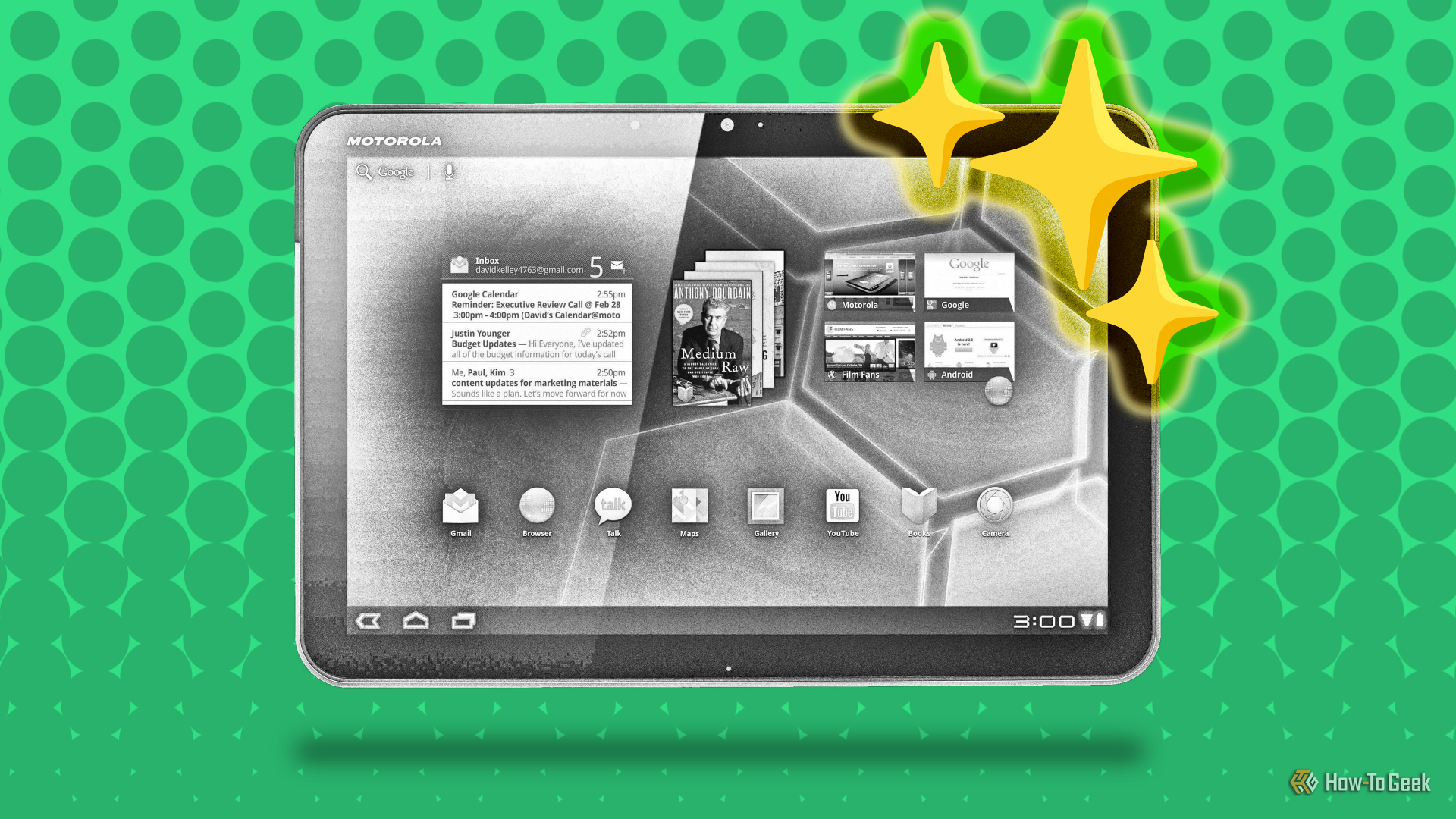
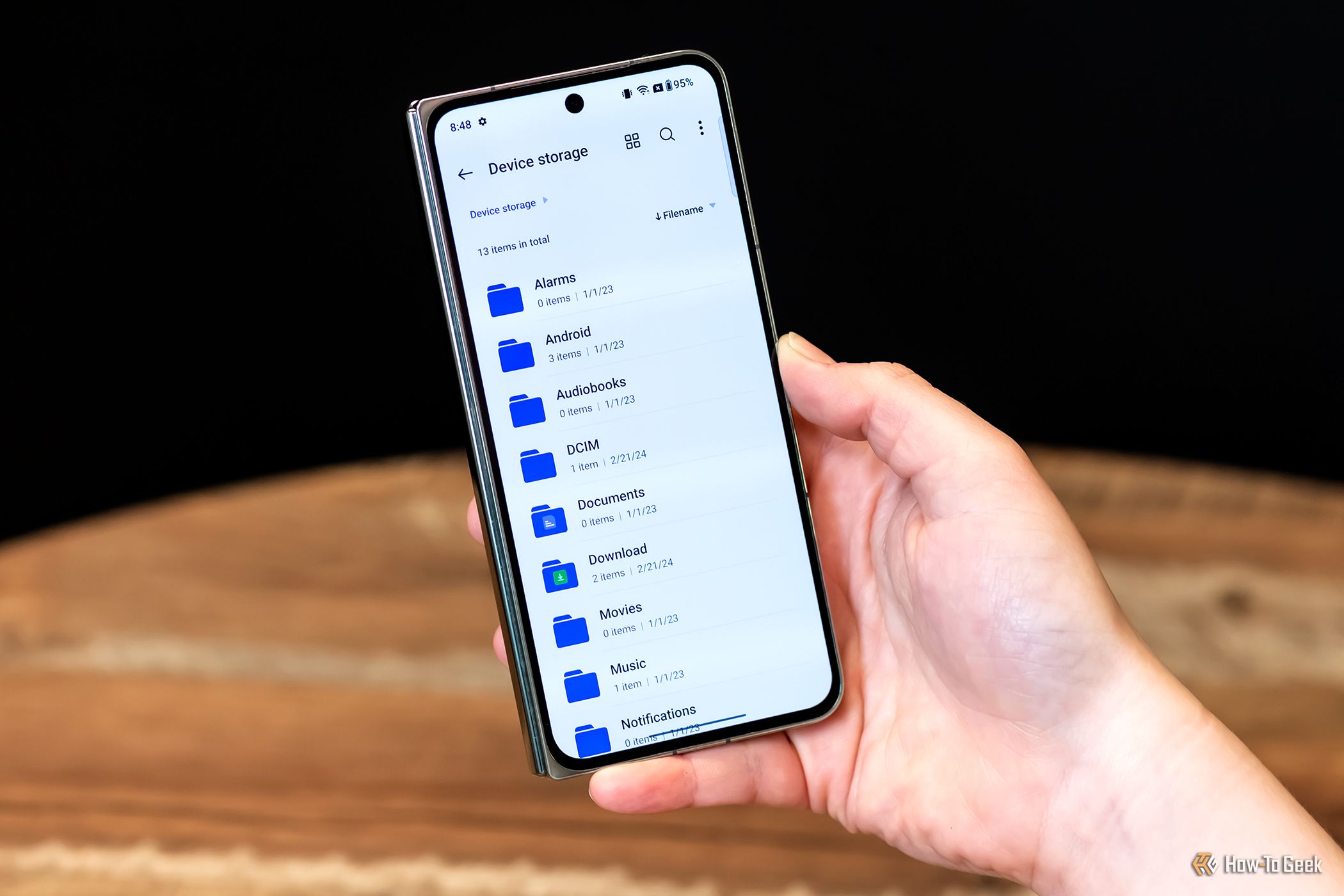
Moving files from one device to another should be a super-easy task. But unless all of your devices come from a single company like Apple or Samsung, it can actually be very difficult to send files between a phone, computer, laptop, or tablet. So, imagine my surprise when I discovered that FTP, a 53-year-old protocol, is still one of the fastst and easiest solutions for this problem.
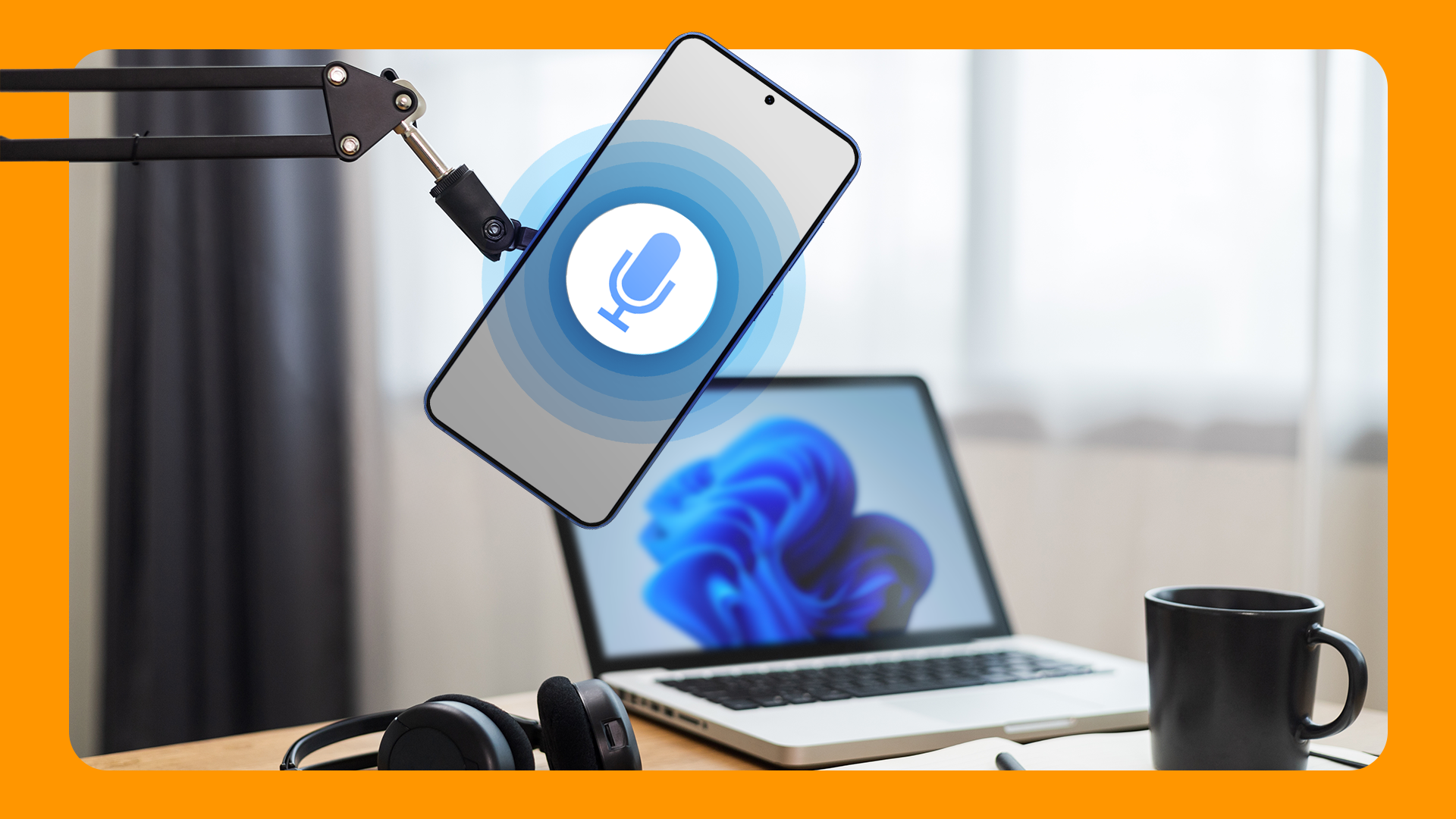
Transform your Android phone into a high-quality PC mic

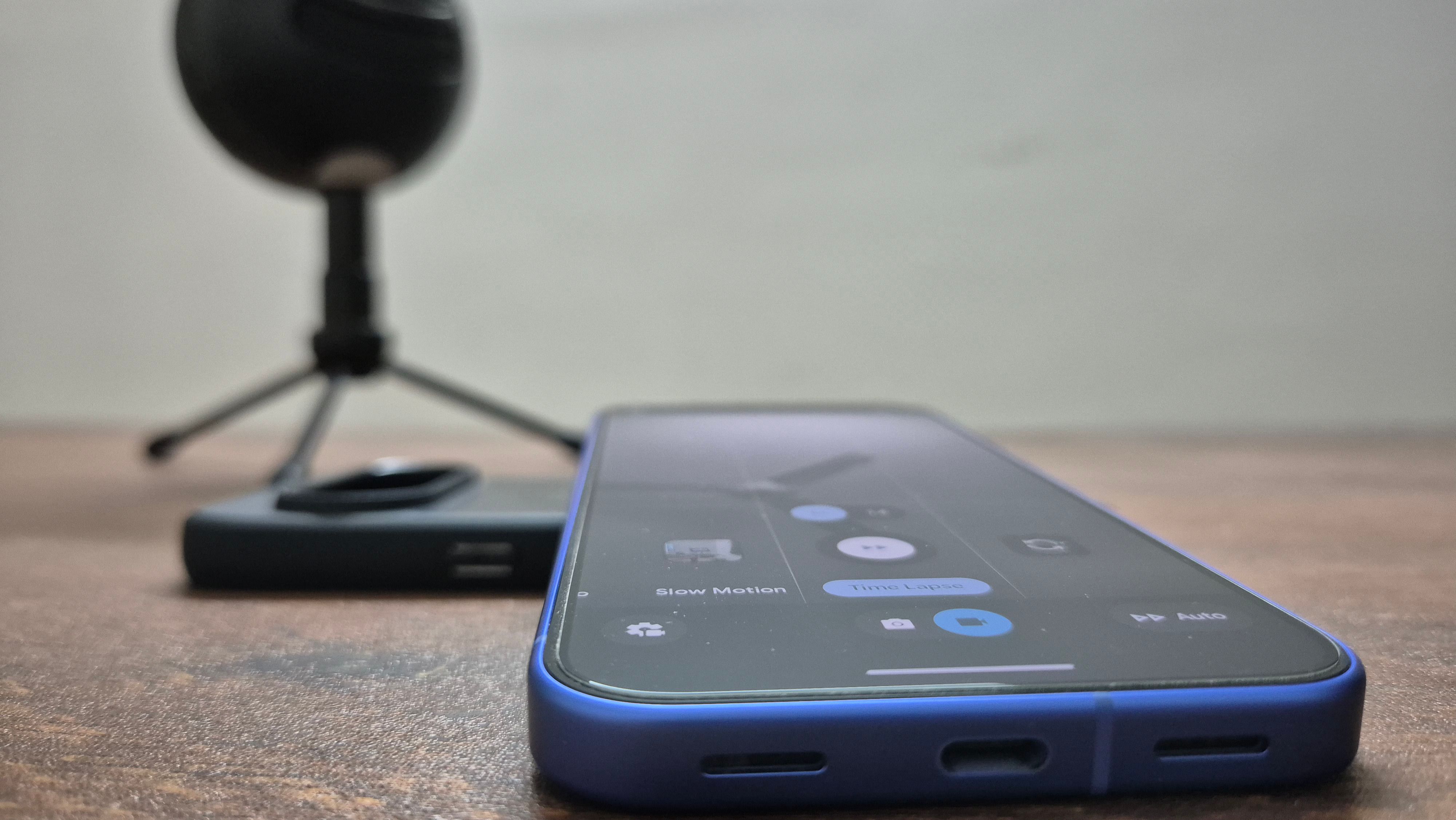
Instead of relying on your laptop’s tinny internal mic, you can connect your phone’s microphone to your computer. It also comes in handy if your PC doesn’t have an in-built mic, and you need to make a recording or take a meeting. The setup shouldn’t take more than two minutes. Let’s begin.

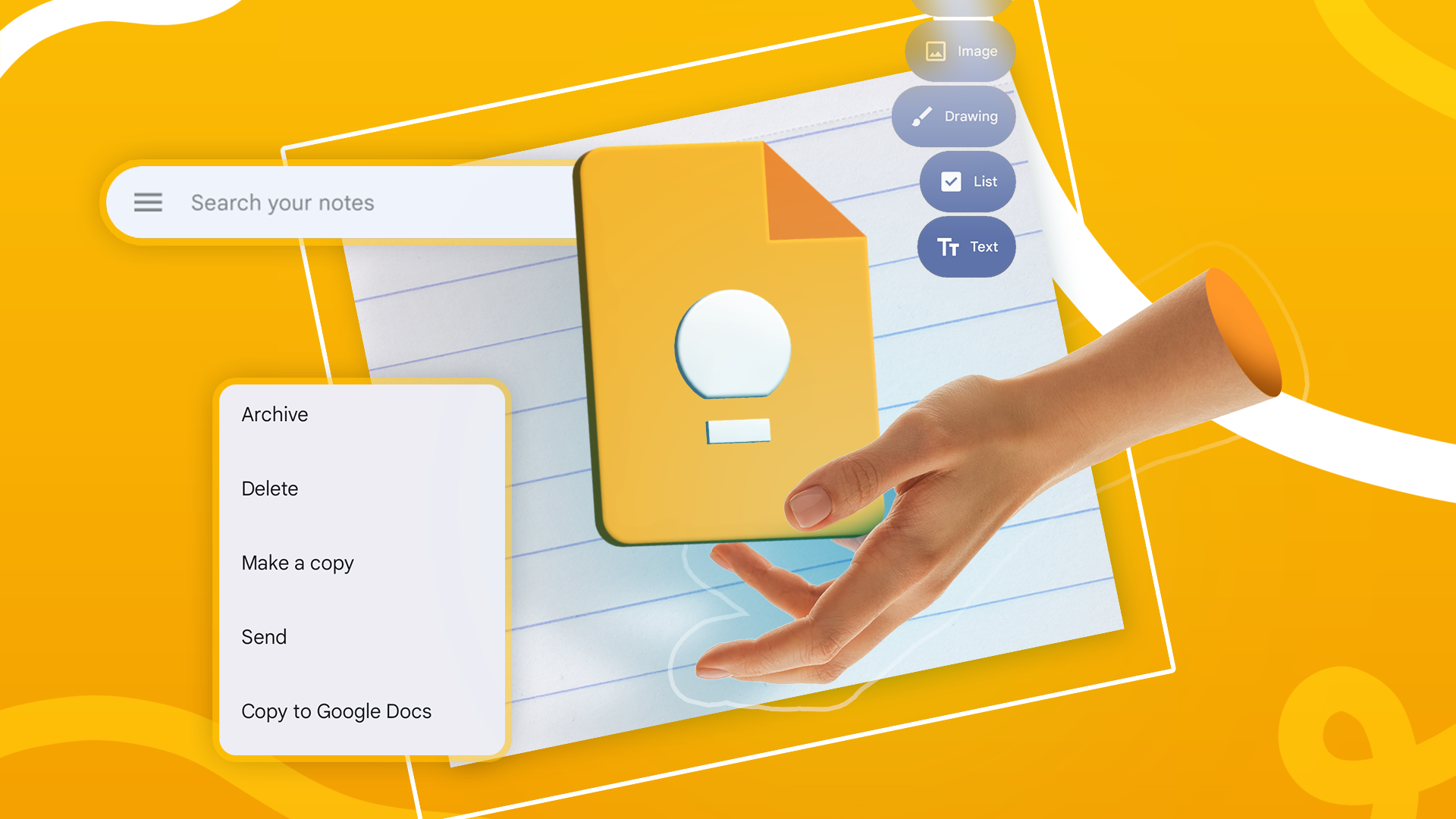
Google Keep has everything you need to get organized

Until I started using Keep Notes to take notes on a daily basis, this note-taking app from Google felt pretty basic. Notion and Obsidian, in my estimation at least, were way more powerful. For some people, their Notion or Obsidian spaces are so sophisticated that they call them their β€œsecond brains.” Google Keep isn’t as complex as Obsidian, but it’s not as simple as a sticky notes app either. It sits comfortably in the middle ground between the two. Let me show you what I mean.

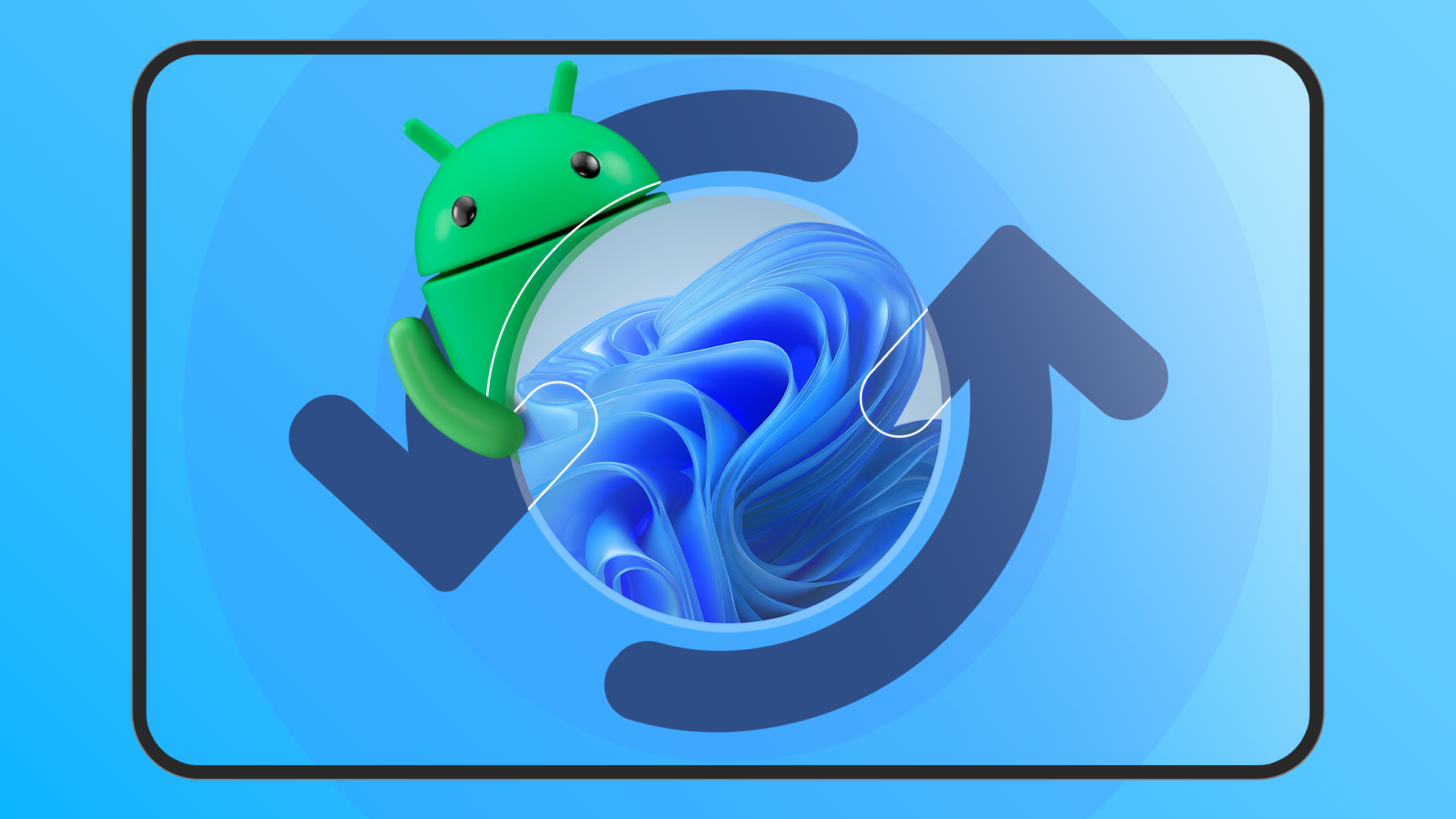
How Phone Link and KDE Connect can connect your Android devices and Windows PC

You don’t need to email files to yourself or text yourself notes just to sync them between devices. There’s a better way to wirelessly share data between your phone and computer. I’ll show you two ways to do exactly that. In addition to sharing text and files, you will also get quality of life features. For instance, you can have your phone’s notifications sent directly to your PC, answer texts without picking up the phone, and even control the phone’s media playback using a Windows PC.

Force Android apps into landscape mode with this simple app

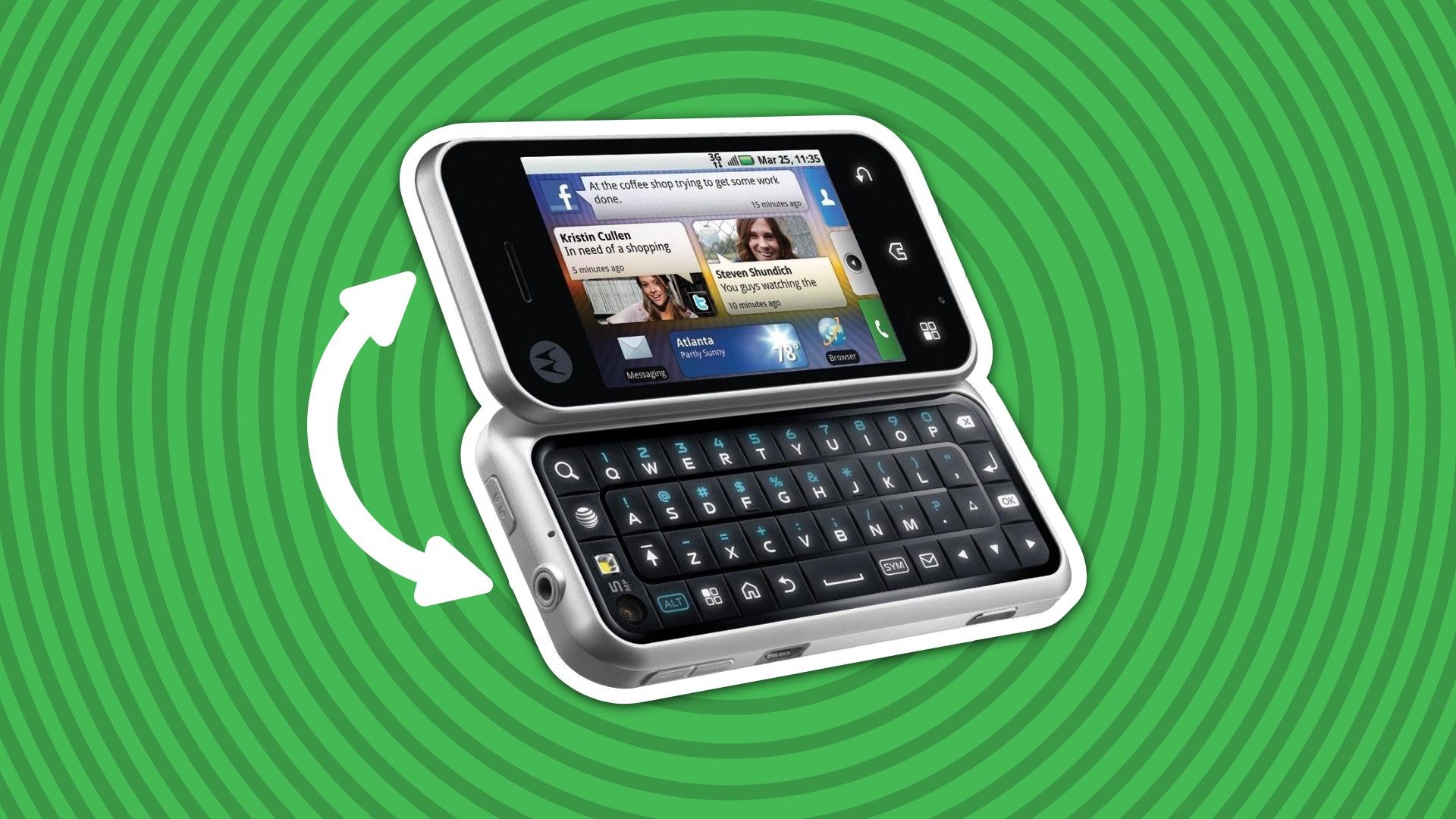
There’s a particular annoyance that goes along with turning your phone sideways and watching as...nothing happens. Some apps just don’t want to rotate into landscape mode, but as is usually the case in the Android world, there’s a solution available right in the Play Store for free.

The OnePlus 15 can finally be sold in the U.S.

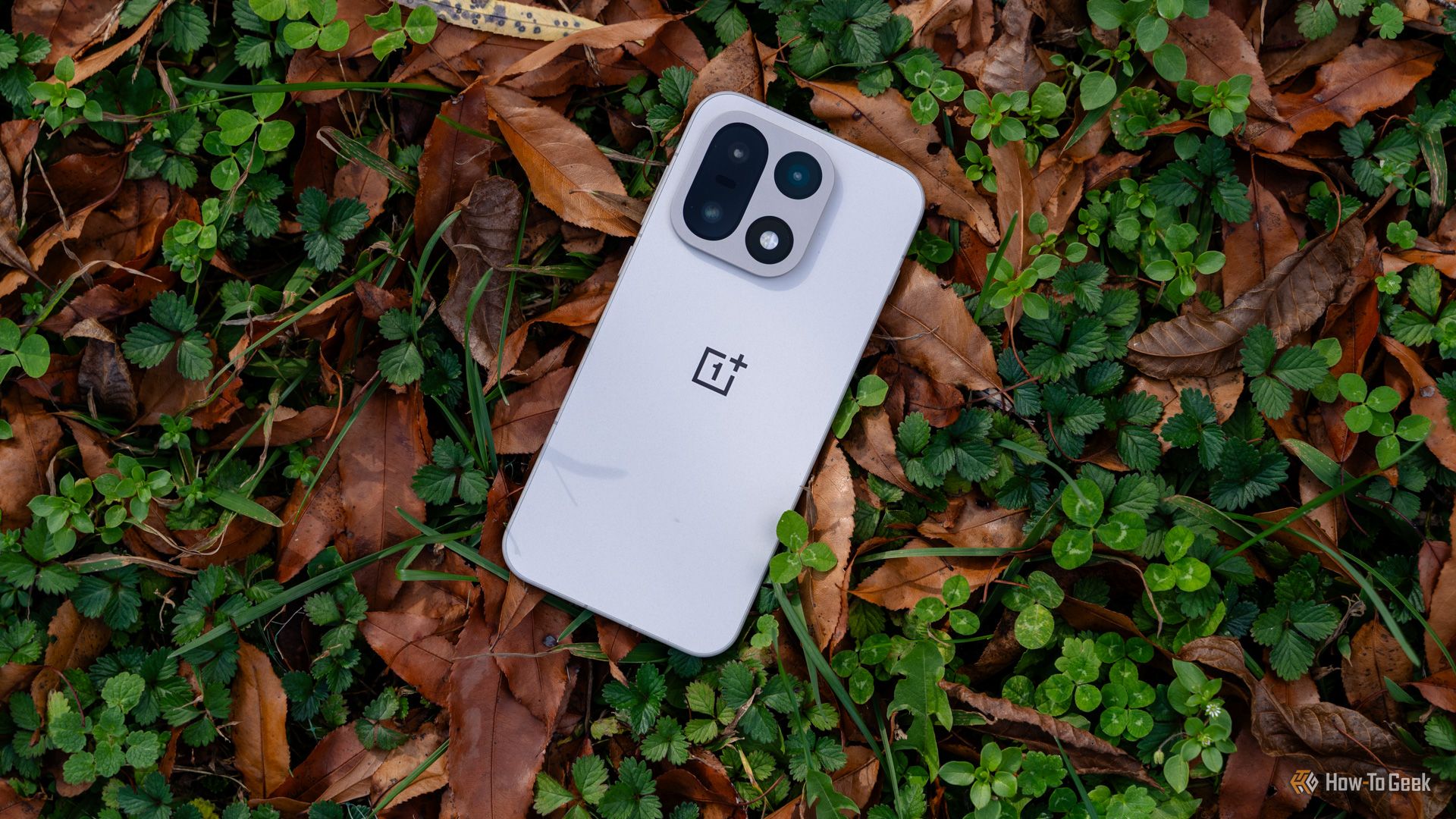
The wait is finally nearing an end for those of us in the US who have been waiting on the OnePlus 15. After being caught in the aftermath of the recent US government shutdown, the device has received regulatory clearance to enter the American market.

❌