❌

Reading view

There are new articles available, click to refresh the page.

Google Messages is getting two helpful new controls

Google is constantly updating its core Android apps with new controls or features, and that's especially true with Google Messages. While it's received a lot of changes as of late, they're not slowing down anytime soon, and Messages is about to gain two more features to help with shared media files and swapping SIM cards.

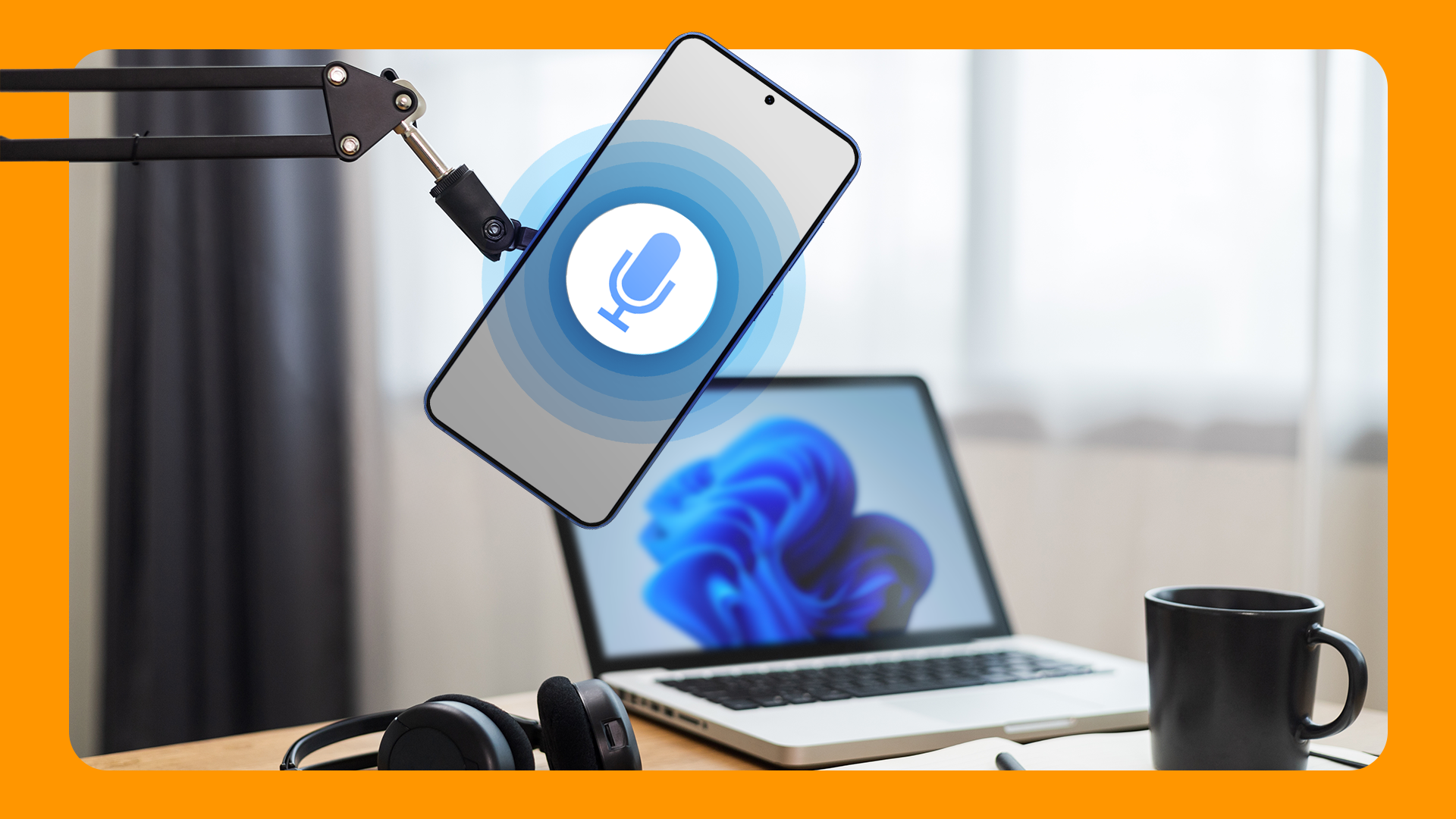
Transform your Android phone into a high-quality PC mic

Instead of relying on your laptop’s tinny internal mic, you can connect your phone’s microphone to your computer. It also comes in handy if your PC doesn’t have an in-built mic, and you need to make a recording or take a meeting. The setup shouldn’t take more than two minutes. Let’s begin.

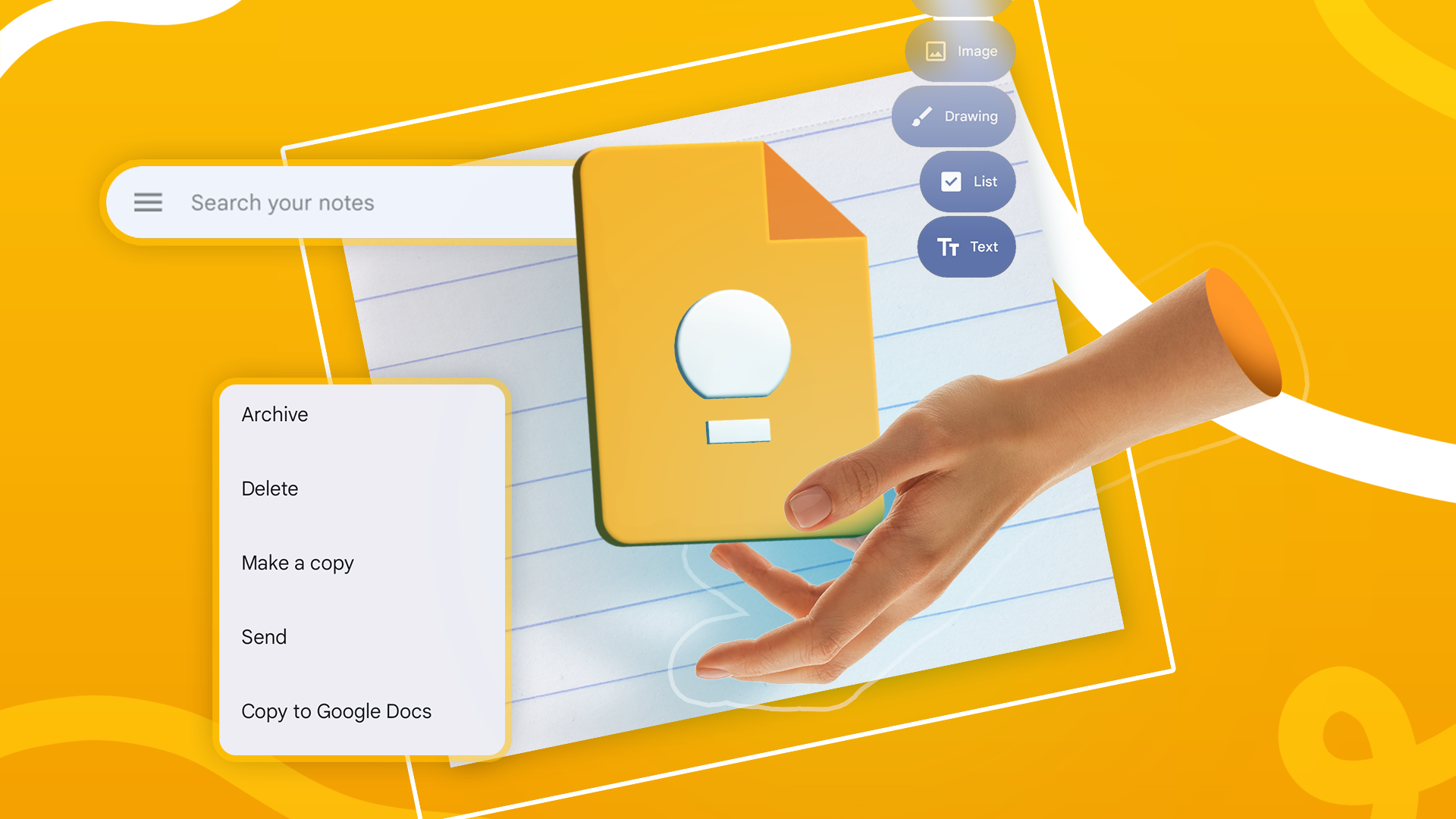
Google Keep has everything you need to get organized

Until I started using Keep Notes to take notes on a daily basis, this note-taking app from Google felt pretty basic. Notion and Obsidian, in my estimation at least, were way more powerful. For some people, their Notion or Obsidian spaces are so sophisticated that they call them their β€œsecond brains.” Google Keep isn’t as complex as Obsidian, but it’s not as simple as a sticky notes app either. It sits comfortably in the middle ground between the two. Let me show you what I mean.

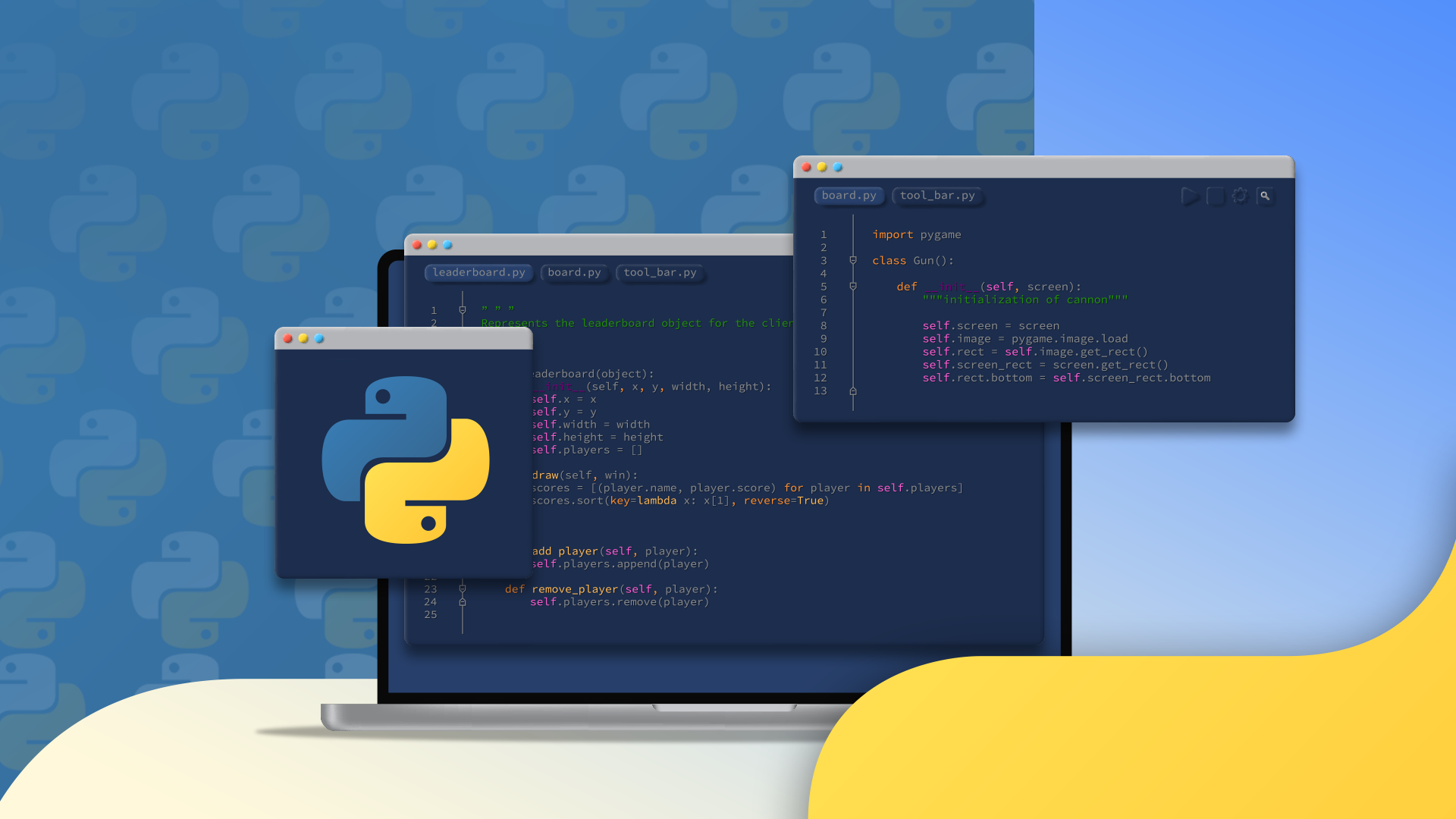
7 clever Python text file hacks revealed

Do you work with lots of files every day? Large and small? Messy and clean? No matter what your task requires, Python makes working with files a breeze. With a bit of coding, you could save hours of work and sanity. Let's explore Python's file manipulation magic.

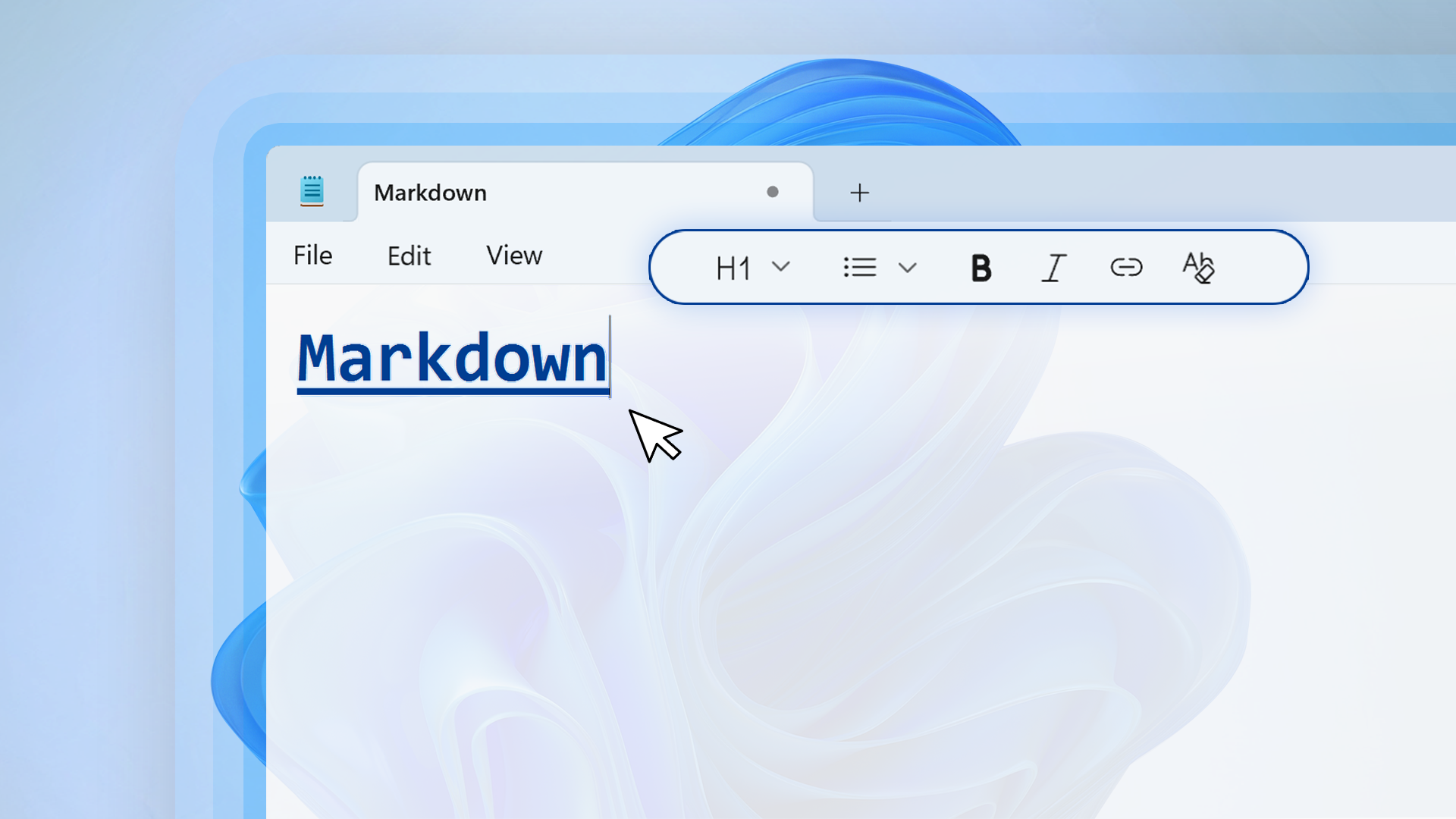
3 simple, FOSS Markdown editors as Obsidian alternatives

Obsidian is incredibly powerful, but all that power can be distracting. I've spent more time customizing my vault with different plugins than actually building my notes library. If this sounds familiar, it’s time to switch to one of these three user-friendly, free and open-source Markdown editors.

How to clean up old Windows drivers and hidden files

Over time, hidden junk files and old drivers clog up Windows systems, slowing them down, and even introducing security vulnerabilities. That’s why it’s a good idea to β€˜spring-clean' your computer every once in a while. Clearing away old junk files will speed up your computer and free up disk space at the same time. I’ll show you two ways you can do this.

Force Android apps into landscape mode with this simple app

There’s a particular annoyance that goes along with turning your phone sideways and watching as...nothing happens. Some apps just don’t want to rotate into landscape mode, but as is usually the case in the Android world, there’s a solution available right in the Play Store for free.

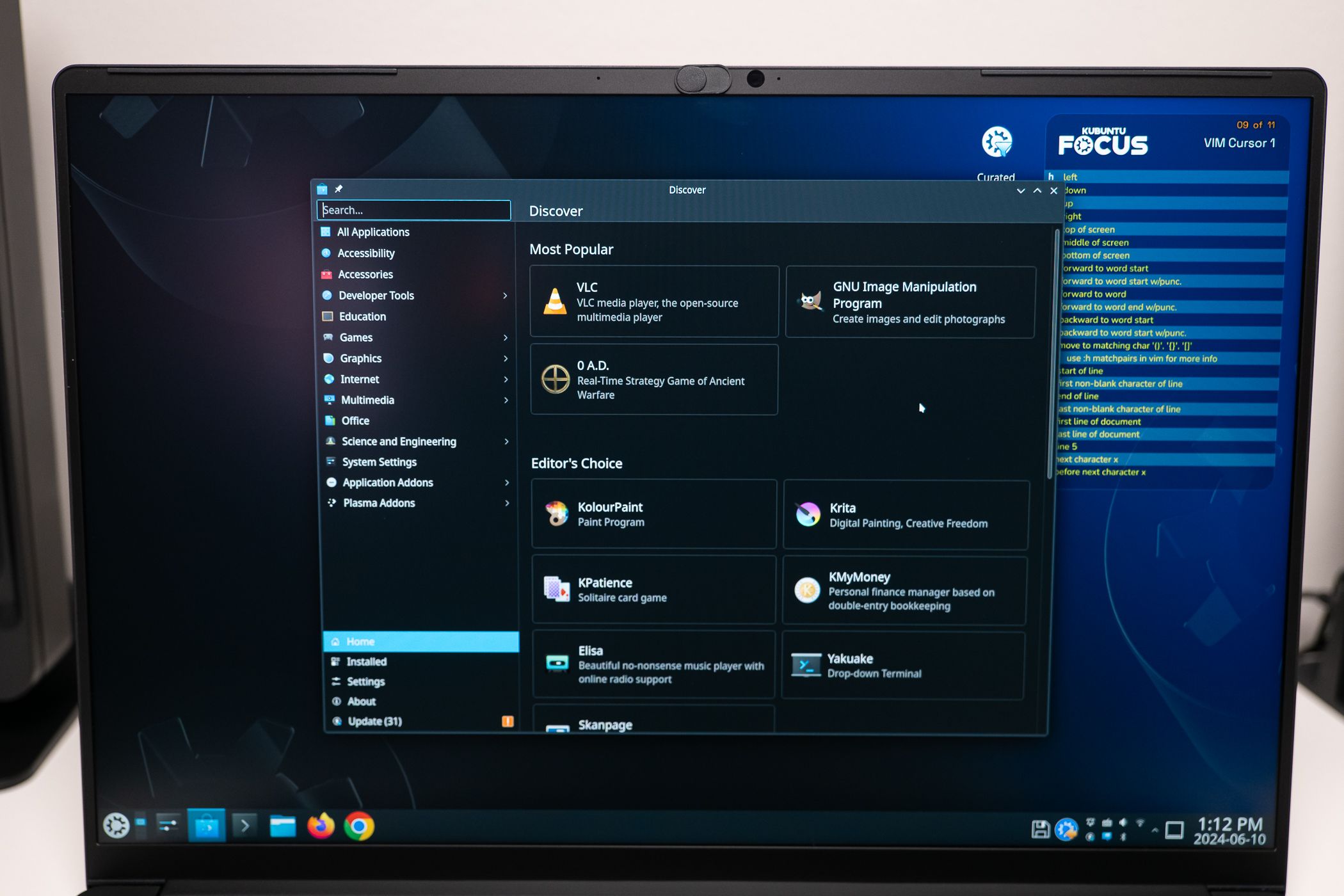
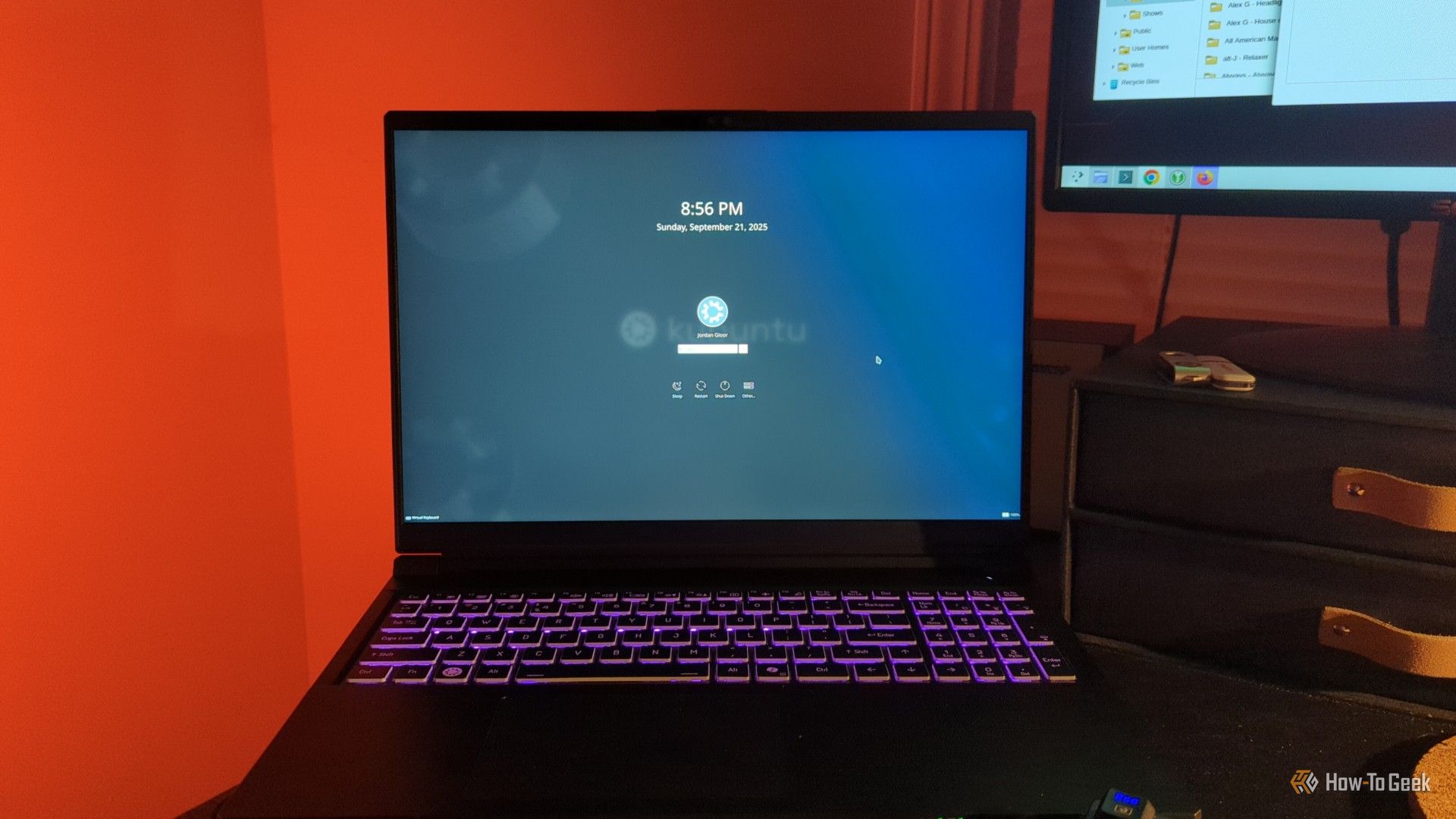
5 Linux apps you should install on day one

Most Linux distros are intentionally minimal to avoid bloat, offering a fresh and clean environment. While this is a major perk, knowing what to install first can be tricky for newcomers. So, to help kickstart your journey, here are five essential apps that belong on every new Linux PC.

Why Building Weird Projects Makes You a Better Developer

Have a project idea in mind, but think it's too niche? I, too, was in your shoes until I finally scrapped that thought and started building whatever wild idea hit me. Many projects later, I've now realized that no matter how laughable an idea may sound, I should consider it. Here's why.

❌