❌

Reading view

There are new articles available, click to refresh the page.

Network Redundancy: The Safety Net When Everything Goes Wrong

[Update] Ironically, as soon as this blog went live, Cloudflare went down! So I will use this opportunity to say... I told you so! Keep reading to find out why.

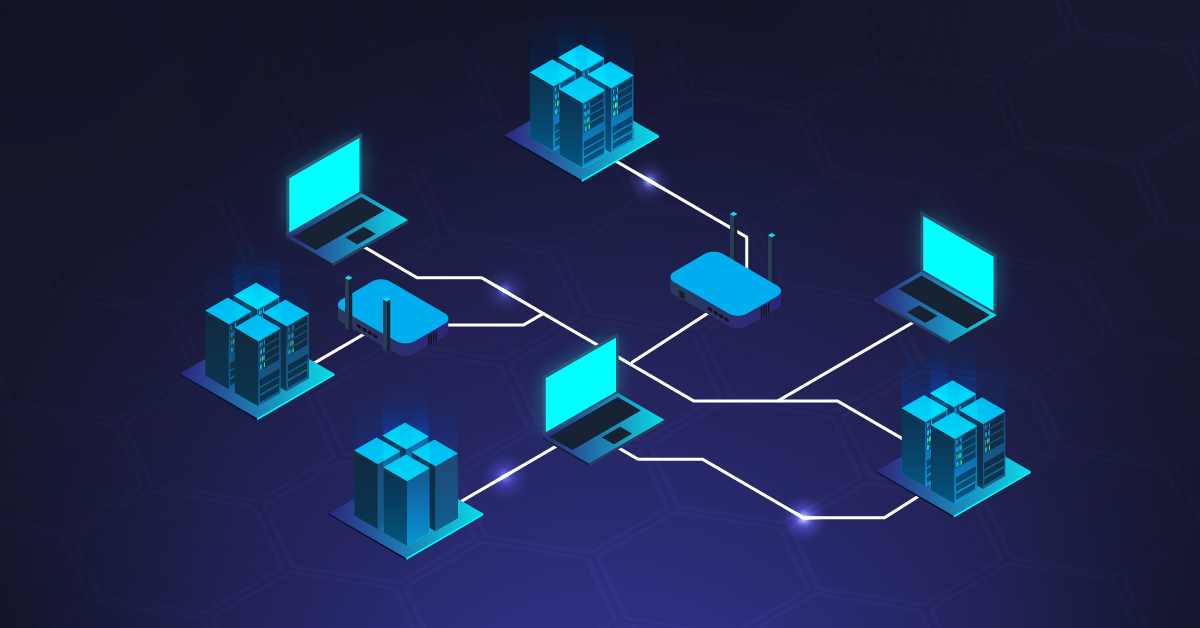
Someone, at some point in time, (hopefully some kind of professional network engineer) designed your network. They drew a pretty picture with multicolored lines showing traffic flowing between a primary path and a secondary path. Oh, and this plan also had a budget and important management buy-in. Then they moved on to another company, country, or just a better job, and what you've been left with is a Frankenstein's monster of temporary-band-aid solutions to real problems that all became permanent circa 2015. Your so-called redundant paths? One goes down, and the other follows like some kind of tragic Romeo and Juliet situation - it's heartbreaking.


Monitoring Basics: How to Check Network Traffic

It's always DNS. Unless it's not. Then it's the network. Or perhaps the firewall? Or wait, actually, according to Chris in accounting, it's CERTAINLY malware because his nephew 'knows computers'. Welcome to every network performance troubleshooting discussion ever because everyone is an expert and all you get to do is smile politely.

Network Loops: The One Infrastructure Killer You Can (Mostly) Prevent

Network loops are one of the few pieces of evidence that the universe loves to laugh at us. Somewhere, right this minute, a five-dollar Ethernet cable is taking down a million-dollar infrastructure. An innocentΒ intern trying to get internet in the conference room has both ends of a patch cable plugged into the same switch, and now 500 employees are staring at the spinning wheel of doom. Meanwhile, the CEO's slideshow presentation is stuck on the same slide for the umpteenth time, and the accounting department rocking back and forth crying, "Remember the good old days of the pre-internet world?"

How to Find the Cause of Packet Loss in Your Network

When users complain of dropped video calls, stuttering applications, or files that won't upload properly, 90% of the time you can probably blame packet loss. It's one of those network performance issues that make you feel like the whole network is shot, even when your equipment is fine.

Monitoring an MQTT Broker: Why and How

Let's sayΒ you have several hundred IoT devices publishing telemetry data to your MQTT broker and things have been working smoothly for months. One morning you notice half of the sensor readings have stopped arriving. Your monitoring dashboard becomes a black hole, your automation stops working, and you can't determine whether the problem is with the devices, the network, or the MQTT broker.

Server Log Monitoring: How to Actually Make Sense of Your Logs

3 AM (aka the 'witching hour'). Something broke. You've got dozens of open tabs with server log files that you are desperately trying to make sense of. We've all been there - you're scanning through thousands of timestamped entries, frantically looking for that one anomalous line that can tell you why your application went down, the server lost connection, or why all your users suddenly can't log in.

Server log files are supposed to make our lives easier, not harder. Yet without effective log monitoring in place, they're just unwanted noise. The real challenge isn't collecting more logs (we're already drowning in log data). The challenge is building a system that can tell you what's going on in - and in real time.

Time is of the essence when troubleshooting and finding the the fix is a race against the clock. You don't want to have to pore through massive log files or wait days for reports when you need to react now. That means real-time monitoring, smart aggregation, and dashboards that make it easy for you to see what's actually going on at a glance.

❌