Login
LoginWhat Is Internet Security?

Internet security refers to tactics that protect your online activities from a variety of cyberthreats such as malware, phishing attacks, scams, and even unauthorized access by hackers. In this article, we will highlight the importance of internet security in safeguarding your digital network and outline what you can do to have a comprehensive online security system in place.
Internet security: Your online shield
Internet usage has become central to our daily life. In 2024 alone, DataReportal reported that around 5.56 billion—that’s 67.9%—of the world’s population were connected to the internet. This was 136 million more than the year before, resulting in the creation of approximately 402.7 million terabytes of data each day. With this wealth of information, it is no wonder that cybercriminals are scrambling to make billions of dollars off the internet.
Globally, the average cost of data breaches rose by 10% between 2023 and 2024, totaling an estimated $4.88 million. This staggering amount included not only the loss in business revenues but also recovery costs and regulatory fines. For this reason, it has become important to implement internet security to protect our online personal data, activities, and devices from cyberthreats and unauthorized access.
While internet security is sometimes confused with, it’s important to point out their subtle distinctions. Internet security focuses on protecting your activities and data as they travel across the web, while cybersecurity is focused on protecting digital assets such as systems, networks, and data from cyberthreats. These two concepts work together to create your complete digital protection environment.
The importance of internet security
Internet security threats come in a variety of forms, complexities, and detectability. Some of the common threats we face today include:
- Malware: Malicious software is an umbrella term that refers to any program that exploits system vulnerabilities to damage a computer system or network and steal sensitive information from users. Examples of malware include viruses, Trojans, ransomware, spyware, and worms.
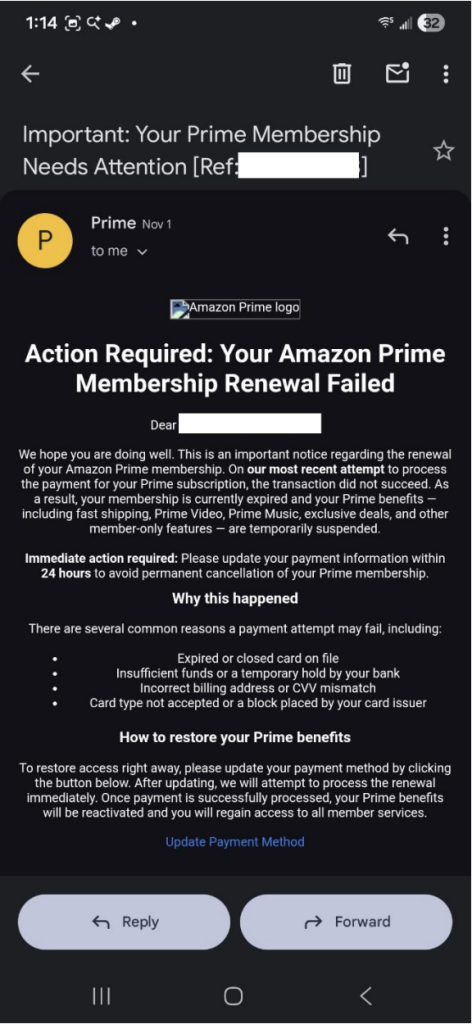
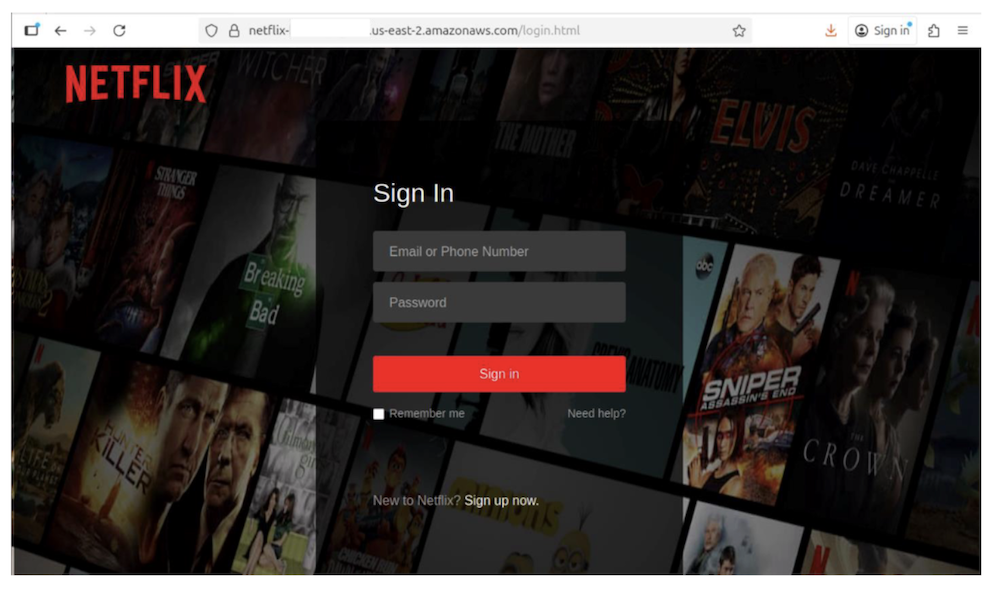
- Phishing: Phishing is a social engineering scam that involves stealing a user’s sensitive data by deceiving them into opening an email or an instant message and clicking a malicious link or attachment. The data that cybercriminals target can range from login credentials to credit card numbers. You may unknowingly provide access codes to fake tech support or transfer money to scammers posing as family members in emergency situations. Phishing attacks are often used for identity theft purposes.
- Spam: Spam is a term that describes unwanted email messages sent in bulk to your email inbox. This tactic is generally used to promote goods and services that users aren’t interested in. Spam email can also contain links to malicious websites that automatically install harmful programs that help hackers gain access to your data.
- Botnets: This contraction of “robot network” refers to a network of computers that have been infected with malware. The computers are then prompted to perform automated tasks without permission such as sending spam and carrying out denial-of-service (DDoS) attacks.
- Wi-Fi threats: Hackers exploit unprotected public connections and breach data security to obtain sensitive information such as login credentials, emails, and browsing activity. Your personal information could be stolen when you check email, shop online, or access your bank accounts on public networks.
- Ransomware: This malicious software locks your files and demands payment for their release. You could lose precious family photos, important documents, or access to your devices until you pay, with no guarantee you’ll get your files back. The FBI reported nearly $12.5 billion in ransomware losses in 2024.
- Credential stuffing: Cybercriminals use automated tools to test stolen username and password combinations across multiple sites, hoping you’ve reused the same login credentials. This can give hackers access to your online banking, shopping accounts, and social media profiles.
- Account takeovers: When criminals gain control of your online accounts through stolen passwords or security vulnerabilities, they can lock you out while using your accounts for fraudulent activities such as draining your bank account, making unauthorized purchases, or damaging your reputation on social media. In the U.S. alone, about 77 million Americans experienced account takeover fraud in 2024.
- Browser hijacking: This occurs when unwanted software changes your browser settings, redirecting you to malicious websites, flooding you with unwanted ads and pop-ups, then stealing your information or installing more malware on your device. A recent investigation revealed that at least 16 malicious extensions in Chrome alone have affected over 3.2 million users.
While internet security threats may seem overwhelming at first glance, solutions are available to safeguard your computer or mobile devices. Below is a detailed look at some security measures.
Network security basics
Your home network serves as the foundation of your digital life, connecting all your devices and enabling your online activities. Having a strong network security foundation with multiple layers of protection will keep your connections and data safe from cyber threats.
Secure the router
Your router serves as the gateway between your home devices and the internet, making it a critical security component. Start by changing your router’s default administrator username and password immediately after setup. These factory defaults are widely known and easily exploited by attackers. Choose a strong, unique password that combines letters, numbers, and symbols to prevent unauthorized access to your router’s settings.
Encrypt your Wi-Fi
Enable WPA3 encryption on your wireless network, as it provides the strongest protection for your Wi-Fi connections. If your router doesn’t support WPA3, use WPA2 as a minimum standard. These protocols scramble your data as it travels between devices and your router, making it unreadable to anyone attempting to intercept your communications.
Fortify network names and passwords
Create a unique network name or service set identifier (SSID) that doesn’t reveal your router manufacturer or model number, and pair it with a complex Wi-Fi password at least 12 characters long with a mix of uppercase and lowercase letters, numbers, and special characters. Avoid using personal information such as your address or name in either your network name or password, as this information can help attackers guess your password.
Update firmware
Regularly update your router’s firmware to patch security vulnerabilities and improve performance. Check your router manufacturer’s website quarterly for updates if automatic updates aren’t available, as outdated firmware often contains known security flaws that cybercriminals actively exploit.
Set up guest networks
Separate the guest network for visitors and smart home devices to protect your primary network where you store sensitive data. If a guest’s device is compromised or if a smart device has security vulnerabilities, the threat can’t easily spread to your main computers and phones. Configure your guest network with a strong password and consider time limits for access.
Isolate devices and segment the network
Enable access point isolation, also called client isolation, on your wireless network to prevent potentially compromised devices from attacking other devices on the same network. If you are an advanced user, consider creating separate virtual networks (VLANs) for different device types, such as keeping work computers on a different network segment than entertainment devices.
Activate the firewall
Modern routers include built-in firewalls that monitor suspicious activity in incoming and outgoing network traffic, and block potentially harmful connections and unnecessary ports and services.
Install an antivirus
Antivirus programs are engineered to prevent, detect, and remove viruses and other types of malicious software. Antivirus software can run automatic scans on specific files or directories to make sure no malicious activity is present, and no network or data breach has occurred.
McAfee’s antivirus software comes with key security capabilities such as malware detection, quarantine, and removal, as well as options for scanning files and applications, and an advanced firewall for home network security.
Use multi-factor authentication when possible
Multi-factor authentication is an authentication method that requires at least two pieces of evidence before granting access to a website. Using this method adds another layer of security to your applications and reduces the likelihood of a data breach.
Choose a safe web browser
Web browsers vary widely in terms of the security features, with some offering just the basics and others providing a more complete range of features. Ideally, you should opt for a browser that offers the following security features:
- Private session browsing
- Pop-up blocking
- Privacy features
- Anti-phishing filter
- Automatic blocking of reported malicious sites
- Cross-site script filtering
When properly implemented, these steps help ensure that your internet connection remains private, your data stays secure, and unauthorized users can’t access your network resources. Regular maintenance of these security settings, combined with staying informed about emerging threats, gives you the foundation for safe and confident internet use.
Internet mobile security
These days, smartphones and tablets hold more personal information than ever before—from banking details and photos to work emails and location data. While this convenience makes life easier, it also creates new opportunities for cybercriminals to target your mobile devices. As you secure your network and desktop or laptop devices, so should you treat your mobile devices with the same care. Here are some straightforward security practices that you can implement to significantly reduce your exposure to mobile threats:
- Keep your operating system and apps updated: Software updates often include critical security patches that fix vulnerabilities criminals could exploit. Enable automatic updates for your device’s operating system and apps if possible, or check regularly for available updates in your device settings.
- Download apps only from official stores: Stick to official app stores like Google Play Store or Apple App Store, which employ security measures to screen for malicious apps. Before downloading, read app reviews, check the developer’s reputation, and review what permissions the app requests.
- Manage app permissions carefully: Regularly review and adjust app permissions in your device settings, limiting access to sensitive data like your camera, microphone, contacts, and location, unless absolutely necessary for the app’s core functionality.
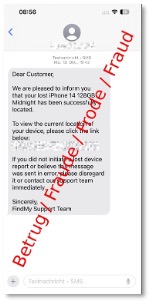
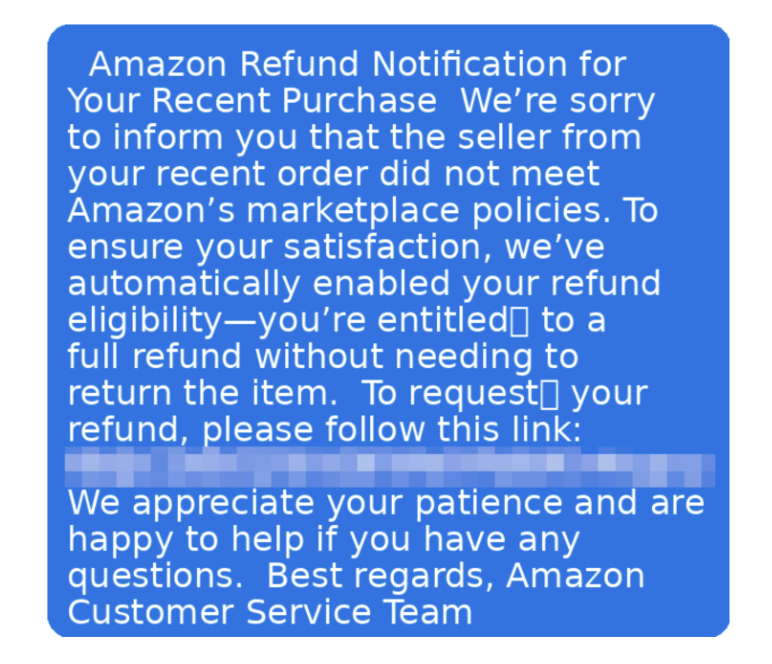
- Stay alert to SMS and messaging scams: Text message scams are increasingly becoming sophisticated, often impersonating legitimate companies or services. Never click links in unexpected text messages, and verify requests for personal information by contacting the company directly through official channels.
- Use secure mobile browsers and settings: Configure your mobile browser with privacy and security settings that protect your data. Enable features such as pop-up blocking, disable location sharing unless needed, and consider using private browsing modes.
- Activate device locks and biometric security: Use screen locks with PINs, passwords, patterns, or biometric authentication such as fingerprints or face recognition. Set your device to lock automatically after a short period of inactivity, and avoid using easily guessable codes like “1234” or your birthday.
- Encrypt devices and backups: Turn on your device’s built-in encryption and create secure, encrypted backups of your important data to protect your information even if your smartphone is lost or stolen.
- Set up remote lock and wipe capabilities: Enable remote tracking, lock, and wipe features on your devices. Services like Find My iPhone or Google’s Find My Device allow you to locate, lock, or remotely erase your entire device if it’s lost or stolen.
- Exercise caution on public Wi-Fi networks: Avoid accessing sensitive accounts or conducting financial transactions on public networks, and consider using your phone’s mobile hotspot feature instead when you need internet access.
FAQs about internet security
Here are answers to the most common questions about protecting yourself online.
What does internet security cover?
Internet security protects you from a wide range of online threats including viruses, malware, phishing attacks, identity theft, and data breaches. It also covers your devices, personal information, online accounts, and network connections to help you browse, shop, and communicate safely online.
How is internet security different from antivirus software?
While antivirus software focuses specifically on detecting and removing malicious programs, internet security provides comprehensive protection that includes antivirus plus additional features such as firewalls, web protection, email security, identity monitoring, and safe browsing tools.
Do Macs and smartphones need internet security protection?
Yes, all devices that connect to the internet can be targeted by cybercriminals. Mobile devices and Macs face increasing security threats including malicious apps, phishing attempts, and network attacks, making protection essential regardless of your device type.
How can I stay safe on public Wi-Fi?
Avoid accessing sensitive accounts or making purchases on public Wi-Fi networks. When you must use public Wi-Fi, stick to encrypted websites with the “https” in the URL, avoid automatic connections, and consider using a VPN for added protection.
How can you keep children safe online?
As children grow older, their internet use becomes more extensive. To keep them safe online, educate them about the risks of web browsing and about best practices to avoid online threats like not sharing passwords. Explain which information should be shared and which should be kept private. Instruct them to never click on links from unknown sources. Set up parental controls on certain websites to filter inappropriate content and keep a child-friendly interface.
What are the signs that my account has been compromised?
Watch for unexpected password reset emails, unfamiliar login notifications, unusual account activity, friends receiving spam from your accounts, or unauthorized charges on your financial statements. If you notice any of these signs, change your passwords immediately and contact the relevant service providers.
How often should I update my software and devices?
Enable automatic updates whenever possible and install security patches as soon as they become available. Regular updates fix security vulnerabilities that criminals actively exploit, so staying current is one of your best defenses against cyber threats.
Final thoughts
As more cyberthreats emerge and expand both in scope and sophistication, it’s essential that you protect your internet activities. Effective protection doesn’t have to be complicated. Taking steps to install antivirus software, create strong and unique passwords, enable your firewall, and use multi-factor authentication will help build a strong defense against online threats.
Start implementing these internet security measures today and enjoy the confidence that comes with knowing you’re protected online.
For added security, consider using an all-in-one antivirus solution like McAfee+ to safeguard your devices from online threats. Let McAfee handle your security while you focus on enjoying the internet.
The post What Is Internet Security? appeared first on McAfee Blog.










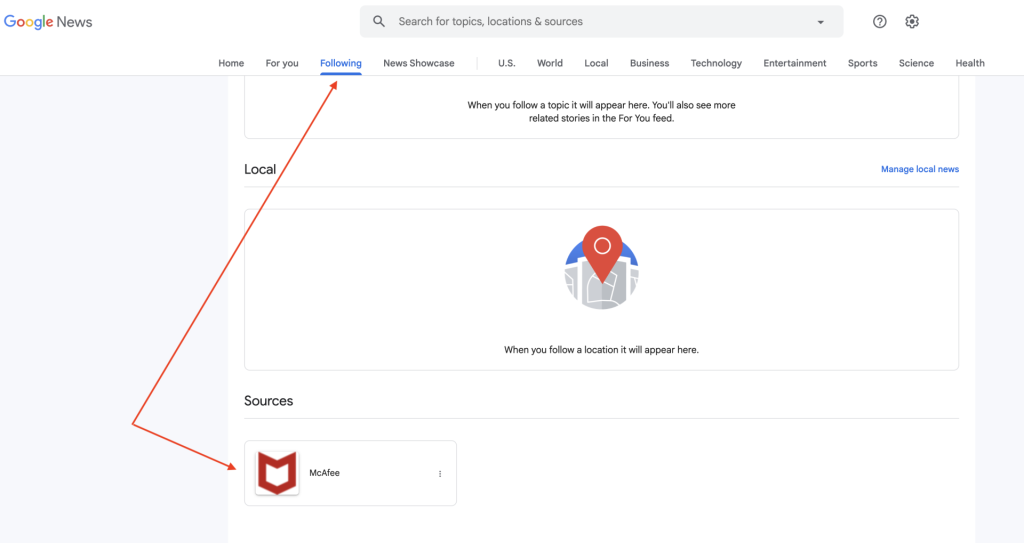
 “Follow” button